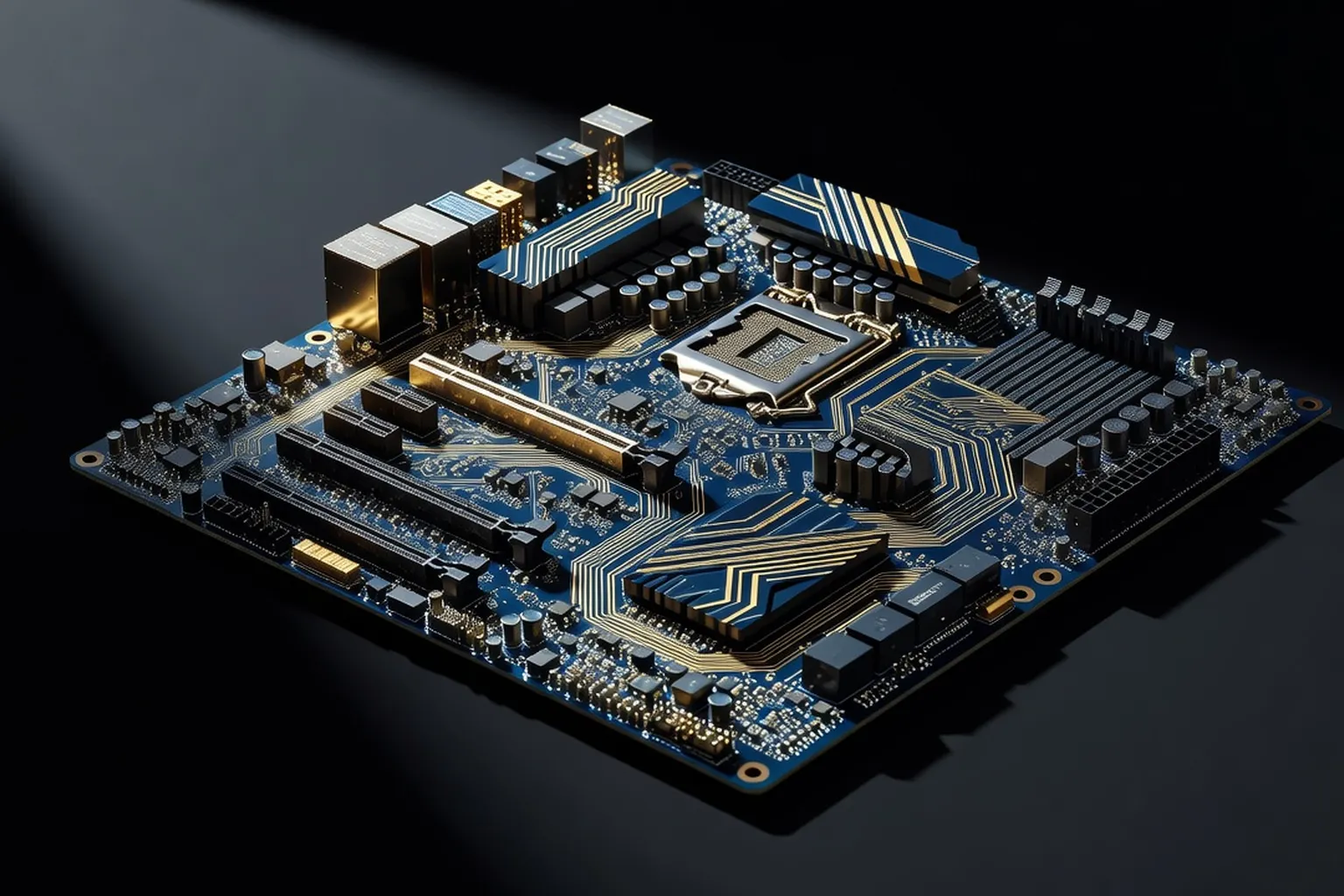
A motherboard is the long-term foundation of your PC. This guide covers AM5 vs LGA1851 chipsets, what really matters in VRM quality, the connectivity that future-proofs your build, and the best picks for every budget.
The motherboard is the most consequential decision in a 2026 PC build, even though it almost never makes a frame-rate chart. It dictates which CPUs you can install today and tomorrow, what memory speeds you can reach, how many fast storage devices you can stack, whether you get USB4 and Wi-Fi 7, and how comfortably your processor will sustain its boost clocks under load. A great motherboard is invisible — it just works for five years. A bad one bottlenecks a $600 CPU, throttles your M.2 drives, and forces a full platform rebuild eighteen months in. This guide cuts through the marketing layers and the RGB to focus on what actually matters in 2026: chipset selection, VRM quality, connectivity, and form factor. We cover the best AM5 boards for AMD Ryzen 7000 / 9000 builds and the best LGA1851 boards for Intel Core Ultra 200S systems, with concrete picks at every price tier from $150 budget builds to $700 flagship workstations.
AMD AM5 vs Intel LGA1851: choosing your platform in 2026
The platform decision is upstream of every other choice on this page. AMD’s AM5 socket launched in 2022 with the Ryzen 7000 series and has been confirmed by AMD to receive at least one more generation beyond Ryzen 9000 — meaning a board you buy today will likely support a drop-in CPU upgrade in 2027 or 2028. Intel’s LGA1851 is newer (Core Ultra 200S, late 2024) and currently sits at a single generation, with Intel’s roadmap suggesting at least one refresh on the same socket. If long-term upgradability is your priority, AM5 has the demonstrated track record.
On raw performance the two platforms trade blows. Ryzen 9 9950X3D leads in gaming thanks to 3D V-Cache, while Core Ultra 9 285K wins certain productivity workloads with its hybrid P-core and E-core layout. Memory support is broadly equivalent — both platforms officially support DDR5-6400 to DDR5-7200 depending on configuration, with enthusiast kits running DDR5-8000 and beyond on Z890 two-DIMM boards. PCIe 5.0 is standard on both for the primary GPU slot and at least one M.2 slot.
The real differentiators are connectivity and cost. X870 / X870E boards include USB4 (40 Gbps) as a chipset-mandated feature — Intel’s Z890 does not require it, though many premium boards add it via Thunderbolt 4 / 5 controllers. Intel boards tend to undercut AMD on entry-level pricing, while AMD’s flagship X870E boards typically retail $30-50 below comparable Z890 ROG models. Because your CPU choice drives the socket, decide on the processor first — the chipset and board tier follow naturally from CPU TDP and feature requirements. If you are still undecided, default to AM5 for gaming-first builds and LGA1851 for mixed creative workloads where E-cores accelerate background tasks.
Best B850 motherboard for AMD Ryzen builds
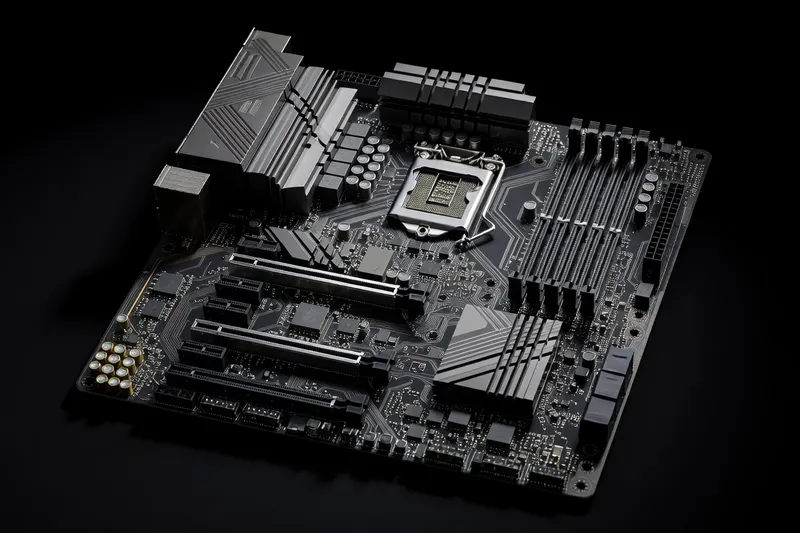
B850 is the volume chipset for AMD in 2026 and where most builders should spend their money. It supports every current AM5 CPU including the Ryzen 9 9950X, allows CPU overclocking (yes, even on B-series), and gives you PCIe 5.0 for the GPU plus at least one Gen5 M.2 slot on most models. The $180-220 sweet spot here delivers 80% of the X870E experience for 60% of the price.
The MSI MAG B850 Tomahawk WiFi ($210) is the default recommendation. It runs a 14+2+1 phase VRM with 80A power stages — overkill for anything short of a sustained Ryzen 9 9950X all-core load — three M.2 slots (one Gen5, two Gen4), 2.5GbE LAN, Wi-Fi 7, and a clean rear I/O with USB 3.2 Gen 2x2 (20 Gbps). The audio codec is Realtek ALC4080, a tier above the budget ALC897 found on cheaper boards.
The ASUS TUF Gaming B850-Plus WiFi ($200) is a close second with a 14+2+1 VRM and similar feature parity. ASUS’s BIOS is slightly more polished for memory tuning, and the heatsink coverage on the VRMs is generous. Wi-Fi 7 is included.
The Gigabyte B850 AORUS Elite WiFi7 ($190) rounds out the trio. It is the cheapest of the three, runs a 14+2+1 VRM with 70A stages, and pairs well with Ryzen 7 9700X / 9800X3D builds. Gigabyte’s “Smart Fan 6” software is mature and the M.2 EZ-Latch (toolless installation) is genuinely useful. The board also includes a debug LED cluster that simplifies first-boot troubleshooting — a feature usually reserved for higher tiers. If you are pricing out a balanced gaming PC build around B850, any of these three boards will serve you for the full lifespan of the AM5 platform.
Avoid the temptation to drop to the older B650 generation to save $30. B650 boards still work and still receive BIOS updates for Ryzen 9000, but they lack the Wi-Fi 7 and USB 3.2 Gen 2x2 connectivity that B850 makes standard. The price gap has closed enough in 2026 that the older platform is rarely the smarter buy unless you find a clearance deal on a known-good model.
Best X870 / X870E motherboard for high-end Ryzen 9
X870 and X870E are the AMD flagship chipsets, with X870E adding a second chipset die for additional PCIe lanes and connectivity. They are the right choice when you are running a Ryzen 9 9950X or 9950X3D, want USB4 standard (mandatory on the chipset), or need multiple Gen5 M.2 slots for a creator workflow. Budget $350-550.
The ASUS ROG Strix X870E-E Gaming WiFi ($480) is the enthusiast pick. It runs an 18+2+2 phase VRM with 110A power stages — sustained 230W loads on a 9950X are uneventful — four M.2 slots (two Gen5, two Gen4), dual USB4 ports, 5GbE LAN, Wi-Fi 7 BE200, and a Q-Release Slim PCIe latch that makes GPU swaps painless. The BIOS includes AEMP for one-click EXPO memory tuning beyond the rated kit speeds.
The MSI MEG X870E ACE ($550) is the productivity-leaning flagship. Five M.2 slots (one of which is a PCIe 5.0 x4 slot via the included expansion card), 10GbE LAN onboard, dual USB4, and a 22+2+1 VRM with 110A stages. Overkill for gaming, optimal for a workstation that will see Ryzen 9 9950X all-core compilations and Blender renders. The rear I/O includes a clear-CMOS button and Q-Flash Plus for BIOS recovery without a CPU installed.
For a more affordable X870 entry point, the ASUS TUF Gaming X870-Plus WiFi ($310) drops the second chipset die but keeps a 14+2+1 VRM, three M.2 slots (one Gen5), USB4, and Wi-Fi 7. It is the cleanest balance of features and price in the X870 tier and the right pick when you want USB4 but do not need the extra PCIe lanes of X870E. Either tier is a strong foundation for the high-end PC build process when paired with a Ryzen 9 and a Gen5 SSD.
Best B860 motherboard for Intel Core Ultra
B860 is Intel’s mainstream chipset for LGA1851 and the right home for Core Ultra 5 245K and Core Ultra 7 265K builds. It supports the full Core Ultra 200S lineup, allows memory overclocking via XMP, but does not allow CPU multiplier overclocking — that requires Z890. For most users this is a non-issue: Core Ultra CPUs are largely locked at competitive boost behavior out of the box.
The ASUS TUF Gaming B860-Plus WiFi ($210) leads the B860 segment with a 14+1+1 VRM, three M.2 slots (one Gen5, two Gen4), 2.5GbE LAN, Wi-Fi 7, and four DIMM slots supporting DDR5-7200+ with manual tuning. The BIOS exposes more memory granularity than is typical at this price.
The MSI MAG B860 Tomahawk WiFi ($220) matches the ASUS on VRM (14+1+1, 80A) and bumps the rear I/O with USB 3.2 Gen 2x2 (20 Gbps Type-C). It runs the Realtek ALC4080 codec rather than the cheaper ALC897, and the four-DIMM layout supports two-rank kits at DDR5-7000 with reasonable BIOS work.
The Gigabyte B860 AORUS Elite WiFi7 ($200) is the value play. A 14+1+1 VRM with 70A stages handles even Core Ultra 7 265K comfortably under sustained load, three M.2 slots (one Gen5), Wi-Fi 7, and Gigabyte’s M.2 EZ-Latch. Memory tuning headroom is the main reason to choose B860 over the cheaper H810: even at the budget tier you can push DDR5-7200 to DDR5-7600 on the right two-DIMM kit, recovering some of the productivity gap to a Z890 board for $80 less. Two important caveats for B860 buyers: there is no CPU multiplier overclocking on this chipset, and DMI bandwidth to the chipset is half of Z890’s, so populating three M.2 drives plus heavy USB usage can saturate the link under simultaneous load. For most gamers and single-SSD creators, neither limit matters in practice.
Best Z890 motherboard for overclocking enthusiasts
Z890 is Intel’s flagship chipset for LGA1851 and the only path to CPU multiplier overclocking on Core Ultra. It also doubles the DMI bandwidth versus B860 (DMI 4.0 x8 instead of x4), which matters if you populate three or four M.2 drives simultaneously. The right buyers here are enthusiasts running Core Ultra 9 285K, anyone targeting DDR5-8000+ memory speeds, and content creators with multi-SSD workflows.
The ASUS ROG Maximus Z890 Hero ($700) is the headline board. A 22+1+2 phase VRM with 110A teamed power stages, five M.2 slots (two Gen5 native, one Gen5 via expansion card, two Gen4), Thunderbolt 5 (80 Gbps), 5GbE Intel LAN, Wi-Fi 7 BE200, and a two-DIMM-per-channel layout that reliably hits DDR5-8400 with binned kits. The Q-Release Slim and Q-Latch design make hardware swaps effortless. This is a flagship that earns its price for users who will actually push it.
The MSI MEG Z890 ACE ($650) is the productivity-flavored counterpart. A 24+1+2 VRM with 110A stages, five M.2 slots (three Gen5), dual Thunderbolt 4, 10GbE onboard LAN, and the same kind of memory headroom as the ROG Hero. Where the Maximus leans into gaming polish, the ACE leans into sustained creator workloads.
The ASUS ROG Strix Z890-E Gaming WiFi ($480) is the practical Z890 pick for most enthusiasts. It drops the Thunderbolt 5 controller and the dual 2.5GbE/5GbE LAN of the Maximus but keeps an 18+1+2 VRM, four M.2 slots (one Gen5), Wi-Fi 7, and full CPU overclocking support. If you plan to push your Core Ultra 9 285K beyond stock boost behavior, work through our full overclocking guide — the Strix Z890-E exposes every BIOS option you need without charging Maximus money for connectivity you may not use.
Mini-ITX motherboards for small-form-factor builds
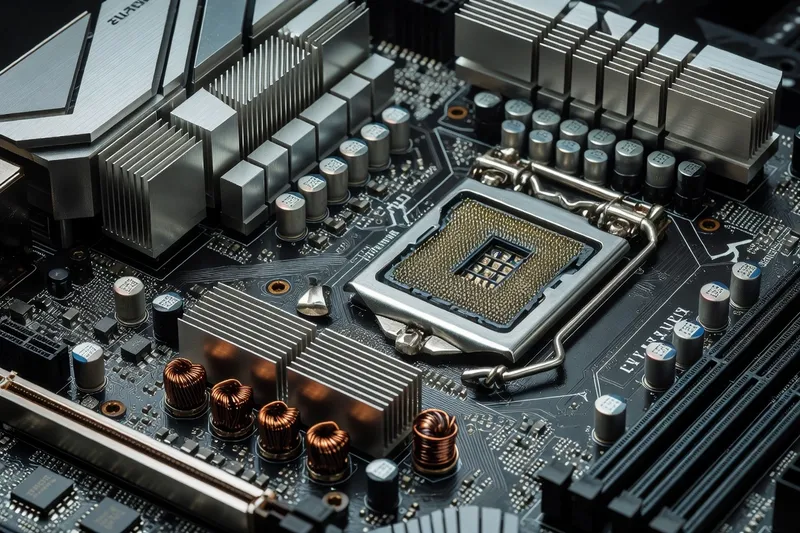
Mini-ITX is a deliberate choice: you accept the cost premium and the cooling constraints in exchange for a 17 x 17 cm board that fits cases the size of a console. Expect to pay $280-380 for a Mini-ITX board with feature parity to a $200 ATX equivalent. Only two DIMM slots, one PCIe x16 slot, and typically two M.2 slots — but everything is dense, premium, and well-engineered.
The ASUS ROG Strix B850-I Gaming WiFi ($320) is the AM5 leader. A 10+2+1 VRM with 110A stages (yes, on a board this small) handles Ryzen 7 9800X3D and even Ryzen 9 9950X with appropriate cooling, two M.2 slots (one Gen5 on the rear), Wi-Fi 7, USB4 (40 Gbps), and 2.5GbE LAN. The vertical M.2 daughterboard design improves airflow over older sandwich layouts.
The MSI MPG B850I Edge WiFi ($300) is a strong alternative with an 8+2+1 VRM, two Gen4 M.2 slots, Wi-Fi 7, and a cleaner rear I/O for SFF case integration. It drops Gen5 M.2 support, which is acceptable given that few SFF builders will install a power-hungry Gen5 SSD in a thermally constrained chassis.
For Intel SFF, the NZXT N7 B850 equivalent and the ASUS ROG Strix B860-I Gaming WiFi ($310) cover Core Ultra 5 / 7 builds with similar VRM quality and connectivity. Memory tuning on Mini-ITX is generally easier than on four-DIMM ATX boards — the shorter trace lengths help — and most enthusiast builders pair these boards with fast 32GB low-profile RAM kits running DDR5-6400 CL30 or better. Cooling is the real challenge: budget for a 240mm AIO or a premium low-profile air cooler if you plan to run a Ryzen 9 or Core Ultra 9 in this form factor.
How to choose: a buying framework
Work the decision in this exact order and you will not over-spend or under-spec.
For motherboard troubleshooting and BIOS recovery walkthroughs from a workshop perspective, ultrasyd-informatique-pornic.fr (real-world PC repair experience) is a good supplemental reference.
Step 1 — CPU first. The processor you have already chosen (or are about to choose) dictates the socket. Ryzen = AM5, Core Ultra 200S = LGA1851. There is no overlap.
Step 2 — Chipset by use case. Gaming with Ryzen 5 / 7 or Core Ultra 5 / 7? Pick B850 or B860 — you will save $100-150 with no measurable gaming penalty. Ryzen 9 or Core Ultra 9 with sustained heavy loads? Step up to X870E or Z890 for the better VRMs and broader connectivity. Need USB4 standard, multiple Gen5 M.2 slots, or CPU overclocking on Intel? Flagship chipset only.
Step 3 — VRM tier matches CPU TDP. Anything from a respected brand at the B-chipset tier handles a 105W or 120W CPU. For 170W TDP parts (Ryzen 9 9950X, Core Ultra 9 285K) demand at least 14+2 phases with 70A+ stages and substantial heatsinks. Skimp here and you will see thermal throttling under sustained all-core workloads, not in gaming.
Step 4 — Connectivity audit. List every device that needs to plug in: USB ports (count and speeds), display outputs if using integrated graphics, M.2 drives (current and future), Ethernet speed, Wi-Fi generation. Match the board’s rear I/O and internal headers to that list. Future-proofing for one extra M.2 drive is reasonable; future-proofing for three is usually overspending.
Step 5 — Form factor. ATX unless the case forces otherwise. mATX for compact builds where you can still fit a standard tower. Mini-ITX only when the case demands it — the price premium is real.
Step 6 — Price the entire system. A $500 motherboard paired with a $300 CPU is unbalanced; a $150 motherboard paired with a $700 CPU is a bottleneck. Aim for motherboard cost roughly equal to 30-40% of CPU cost on mainstream builds, 60-80% on flagship enthusiast builds where overclocking and connectivity justify the spend.