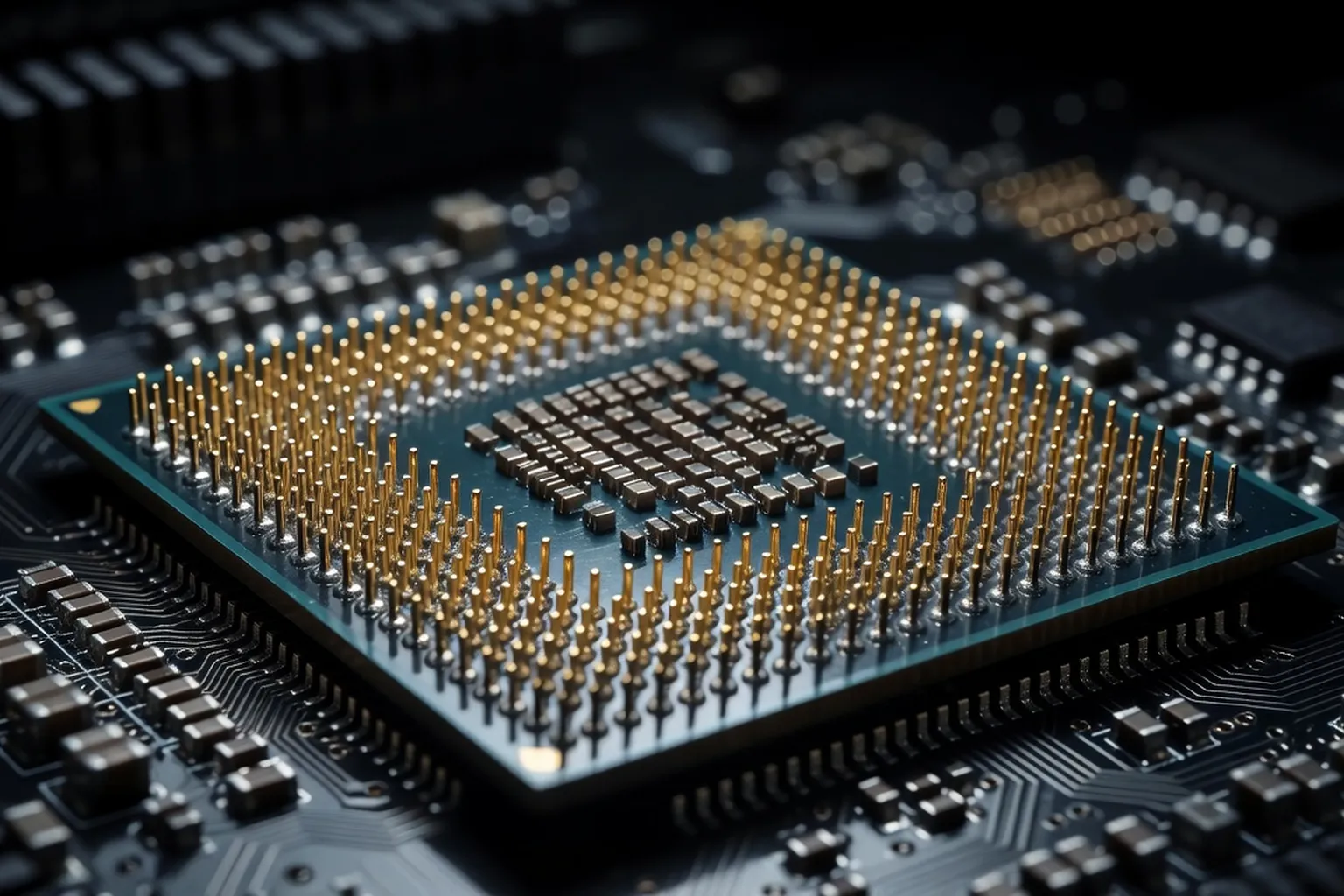
In 2026, AMD's Ryzen 9000 series and Intel's Core Ultra 200 lineup are evenly matched across most workloads, with AMD leading in multi-threaded tasks and Intel excelling in gaming IPC. This guide breaks down the best options at every price tier.
Picking a processor in 2026 is both easier and more confusing than ever. Easier, because AMD and Intel both ship competent products at nearly every price tier, and you can no longer truly buy a bad CPU from either vendor at $200 or above. More confusing, because the gap between vendors has narrowed to a handful of percentage points in most benchmarks, while the platforms underneath them have diverged sharply. AM5 motherboards are now in their fourth year and likely have at least one more generation of upgrades ahead. Intel’s LGA1851 socket, meanwhile, is on its second generation and is widely expected to be replaced in 2027. That decision alone may matter more than any single benchmark score. This guide walks through the strongest CPU choices at every budget for gamers, creators and professionals building new desktops in 2026, with concrete part numbers, prices and the tradeoffs that go with each.
The state of CPUs in 2026: AMD vs Intel
The CPU market in 2026 is defined by two platforms with very different philosophies. AMD’s AM5 socket pairs the Ryzen 9000 series (Zen 5 architecture, refined throughout 2025) with mature X870 and B850 chipsets. Intel’s LGA1851 socket hosts the Core Ultra 200S “Arrow Lake Refresh” lineup on Z890 and B860 boards. Both platforms require DDR5 memory and PCIe 5.0 lanes for storage and graphics. DDR4 is officially a legacy standard, supported only on aging AM4 and LGA1700 hardware that you should avoid for any new build today.
The architectural split between vendors is now stark. AMD continues to use a chiplet design with monolithic CCDs (core complex dies) of either 8 or 16 standard Zen 5 cores. Intel has fully committed to a hybrid approach, mixing Performance (P) cores and Efficient (E) cores on the same die, similar to Apple Silicon. This means Intel chips often advertise huge core counts on paper (a Core Ultra 9 285K offers 24 cores) but only 8 of them are full-featured P-cores. AMD’s 9950X gives you 16 identical, fully symmetric cores, which is simpler for developers and more predictable under heavy load.
The most disruptive AMD technology remains 3D V-Cache, the stacked L3 cache that turns a Ryzen 7 9800X3D into the fastest gaming chip on the market. The cache trick boosts framerates in CPU-bound titles by 15 to 30 percent against equivalent non-cache chips. Intel has no direct answer in 2026, though leaked roadmaps suggest a cache-stacked Core Ultra variant could arrive in late 2027. For now, if pure gaming framerates are your priority, AMD wins by a comfortable margin. For everything else, the two vendors trade blows depending on workload.
Pricing has also shifted in interesting ways throughout 2026. AMD aggressively cut prices on its non-X3D Ryzen 9000 chips in the spring after Intel launched its refreshed Core Ultra 200S lineup, and Intel responded by trimming $30 to $60 off most SKUs in May. The net result is that 8-core CPUs that launched at $399 last year now sit comfortably under $350, and even the flagships are within reach of enthusiasts who patiently watch holiday sales. Choosing the right motherboard chipset often matters as much as the CPU itself, because a poorly matched board can throttle the chip, prevent memory overclocks, or lock you out of future upgrades.
Best budget CPU under $250
The sub-$250 segment is the sweet spot for most new builders in 2026, and it is genuinely hard to make a bad choice here. Our top overall pick is the AMD Ryzen 5 9600X. With 6 cores, 12 threads, a 5.4 GHz boost clock and a modest 65W TDP, it delivers roughly 95 percent of mid-range gaming performance for around $229. The chip drops into any AM5 motherboard, including budget B850 boards that start near $140, and AMD has publicly committed to socket AM5 support through at least 2027. That makes a 9600X build a low-risk starting point for an upgrade path that could eventually accept a Ryzen 9 or a future Zen 6 chip without replacing the board.
Intel’s counter is the Core Ultra 5 245, listing at $239 with 14 total cores (6 P-cores plus 8 E-cores) and a 5.1 GHz boost. In multi-threaded productivity benchmarks the Intel chip wins by roughly 8 to 12 percent thanks to those extra E-cores. In gaming, the AMD chip is typically 3 to 7 percent faster. Power consumption tells a different story: the 245 can pull up to 159W under sustained all-core load, while the 9600X stays under 95W. That difference shapes your cooling and power supply budget.
The dark horse remains the older Ryzen 5 7600, now available for around $179. Built on Zen 4, it still outperforms anything Intel sold below $250 just two years ago, and pairs beautifully with a balanced gaming PC build targeting 1080p high refresh. If your budget is truly tight, the 7600 is the smarter buy and frees up cash for a better GPU. The chip still uses the AM5 socket too, so a future upgrade to a Ryzen 7 or Ryzen 9 only requires dropping in a new CPU rather than replacing the entire platform.
One trap to avoid at this tier is overspending on the motherboard. A $300 board paired with a $230 CPU is poorly balanced. Stick to B850 on AMD or B860 on Intel for budget builds — these chipsets support full memory overclocking, PCIe 5.0 for the GPU slot and at least one PCIe 5.0 NVMe slot. Save the X870 or Z890 premium for builds that actually need extra USB4 ports, dual 2.5 Gbps networking or four NVMe slots.
Best mid-range CPU for 1440p gaming
The 1440p gaming tier is where 3D V-Cache earns its reputation. The AMD Ryzen 7 9800X3D ($479 MSRP, often $499 at retail) is the strongest pure gaming CPU money can buy in 2026. Its 8 cores run at up to 5.2 GHz with 96MB of stacked L3 cache, which dramatically reduces memory latency for game engines that thrash the cache. In titles like competitive shooters and large-scale strategy games, the 9800X3D pulls 10 to 25 percent ahead of any non-cache competitor at 1440p, and the lead grows at 1080p where the CPU matters more.
If you want the same 8-core layout without the cache premium, the standard Ryzen 7 9700X is excellent at $349. It loses about 12 percent of the 9800X3D’s gaming performance but matches it in productivity, and runs cooler too. Its 65W TDP makes it ideal for a compact ITX build where thermal headroom is limited.
Intel’s response is the Core Ultra 7 265K at $394. With 20 cores (8 P + 12 E) and a 5.5 GHz boost, it beats the Ryzen 7 9700X handily in multi-thread tests like Cinebench R24 and handbrake transcoding, often by 18 to 22 percent. In gaming the result is closer, with Intel ahead in some titles by a handful of frames and AMD ahead in cache-sensitive games. Either is a reasonable pick if you split your time between work and play. Power draw is the area where Intel still struggles: the 265K can pull 250W during a sustained Cinebench run, requiring a 280mm AIO or strong dual-tower air cooler to avoid thermal throttling above 95C.
| CPU | Cores | Boost | TDP | Price |
|---|---|---|---|---|
| Ryzen 7 9800X3D | 8 | 5.2 GHz | 120W | $499 |
| Ryzen 7 9700X | 8 | 5.5 GHz | 65W | $349 |
| Core Ultra 7 265K | 20 | 5.5 GHz | 125W | $394 |
To squeeze full performance from any of these chips, pair them with fast DDR5 memory rated for at least 6000 MT/s on AMD and 6400 MT/s on Intel. Slower memory is a real bottleneck on both platforms, especially for the X3D parts.
Best high-end CPU for content creation
For video editors, 3D artists, software developers running heavy compilers, and anyone who lives in DaVinci Resolve, Blender or Premiere Pro, the conversation moves squarely toward core count. The AMD Ryzen 9 9950X is our top high-end pick at $649. It packs 16 full Zen 5 cores and 32 threads, boosts to 5.7 GHz, and offers 80MB of combined cache. In multi-threaded rendering and compilation it is currently the fastest mainstream desktop CPU on Earth, beating the Intel flagship by 6 to 10 percent in Cinebench R24 and pulling further ahead in sustained workloads where Intel’s E-cores throttle first.
For developer-specific CPU considerations on Linux build servers and CI workloads, the practical reference at codeyourweb.org (developer-focused hardware reading) covers compile-time gains across modern Ryzen and Core Ultra parts.
The Ryzen 9 9900X at $499 is the savvy choice for creators on a tighter budget. With 12 cores and 24 threads it lands about 18 percent behind the 9950X in heavily threaded tests but costs 23 percent less, and it consumes only 120W of TDP versus the 9950X’s 170W. That makes it easier to cool quietly in a workstation case.
Intel’s flagship is the Core Ultra 9 285K at $589, with 24 cores (8 P + 16 E) and a 5.7 GHz boost on the P-cores. Its multi-threaded performance is roughly comparable to the Ryzen 9 9900X despite the higher core count, because the 16 E-cores cannot match Zen 5 P-cores under sustained load. Where Intel does win is in mixed productivity, light gaming bursts and applications that lean on the integrated Arc graphics for hardware-accelerated codecs. If your work involves lots of H.265 and AV1 transcoding, the 285K’s QuickSync engine is a real, measurable advantage that benchmarks often miss.
A workstation around any of these chips deserves serious attention to memory, storage and cooling. We cover the full picture in a complete PC build guide — the CPU is only one piece of a system that needs to breathe, feed and store data fast enough to keep those cores busy.
Best CPU for streamers and creators
Streaming workloads have changed significantly in 2026. Modern GPUs from NVIDIA and AMD ship with capable hardware encoders (NVENC and AMD’s AV1 encoder) that handle live streaming with almost no CPU overhead. That removes the old logic of buying a 16-core monster purely to keep OBS happy. A modern streamer running Twitch or YouTube at 1080p60 with GPU encoding genuinely does not need more than 8 cores.
That said, multitasking streamers who also run a game capture card, voice chat software, a browser stack with 30 tabs, OBS effects and a chat moderation overlay will see real benefits from extra cores. The Ryzen 7 9800X3D handles all of this while maintaining the highest in-game framerates, making it our top pick for variety streamers and esports creators who do not also edit video. For streamers who also produce edited highlight reels and YouTube content, the Ryzen 9 9900X jumps ahead because video export times drop by 30 to 45 percent over the 8-core chip.
Intel’s Core Ultra 7 265K is the strongest mixed-use streamer chip on the Intel side. Its E-cores absorb the OBS, browser and Discord background tasks while the P-cores dedicate themselves to the game. Combined with QuickSync for fallback encoding, it is a versatile platform.
One thing to keep in mind: any of these CPUs needs to be paired with the right graphics card to avoid bottlenecks, and at 1440p or 4K, a great GPU complements the CPU choice far more than a few extra hertz on your processor would.
Overclocking and cooling considerations
The cooling and overclocking landscape has shifted in 2026. Both AMD and Intel now use aggressive boost algorithms that effectively self-overclock the chip whenever thermal and power headroom is available. Manual overclocking rarely yields more than 3 to 5 percent of additional all-core performance, and that small gain comes at a significant cost in heat and power. Undervolting is the new enthusiast hobby of choice. Tools like Ryzen Master’s Curve Optimizer and Intel’s XTU let you reduce voltage at each frequency point, which lowers temperatures by 8 to 15 degrees Celsius without sacrificing performance. On a Ryzen 9 9950X, a tuned undervolt can drop sustained load temperatures from 89C to 74C in our testing.
Cooling recommendations split by TDP. For any chip rated 65W (Ryzen 5 9600X, Ryzen 7 9700X), a quality dual-tower air cooler like a Noctua NH-D15 or a 240mm AIO is overkill but inexpensive insurance. For 120W chips (Ryzen 9 9900X, Core Ultra 7 265K), a 240mm AIO or premium air cooler is the right baseline. For the 170W flagships (Ryzen 9 9950X, Core Ultra 9 285K), a 280mm or 360mm AIO is strongly recommended, especially in summer ambient temperatures.
Case airflow matters more than people realize. A premium AIO inside a poorly ventilated case will lose its advantage over a mid-tier air cooler in a mesh-front chassis. Plan front-to-back airflow with at least three intake fans before spending money on the cooler itself. For readers who want to push these chips further with manual tuning, custom power limits, fabric clock adjustments and PBO settings, our full overclocking guide walks through the safe procedures for each platform step by step.
How to choose: a decision framework
The decision becomes simple if you walk through it in order. Start with your primary use case. If it is competitive gaming above 144 Hz, the answer is the Ryzen 7 9800X3D and stop reading. If it is professional content creation, the answer is the Ryzen 9 9950X. Everything in between deserves a real comparison.
Workshop-level CPU swap and BIOS configuration walkthroughs at ultrasyd-informatique-pornic.fr (real-world PC repair experience) are a good companion for first-time builders following this framework.
Next, count your cores honestly. Six cores remains sufficient for pure gaming and general productivity. Eight cores is the new comfortable sweet spot for mixed workloads. Twelve cores starts to matter only if you run sustained multi-threaded applications like 3D rendering, compilation or video export several times a week. Sixteen or more cores is professional territory and should be justified by paid work, not aspiration.
Choose your platform with longevity in mind. AM5 has two or three more generations of upgrades coming. LGA1851 is on its way out by 2027. If you build now and plan to upgrade the CPU in three years without changing the motherboard, AMD is the safer bet. If you build a complete system today and intend to keep it as-is for five years, either platform is fine.
Finally, set your real budget including the motherboard, DDR5 memory and adequate cooling. A $300 CPU on a $130 board with $90 memory and a $40 cooler is a balanced system. A $500 CPU on a $130 board with $60 memory is a misallocation that will leave performance on the table. Build the system, not just the chip.
For a deep dive into the gaming, productivity and platform-cost differences, see our complete AMD vs Intel comparison for 2026.