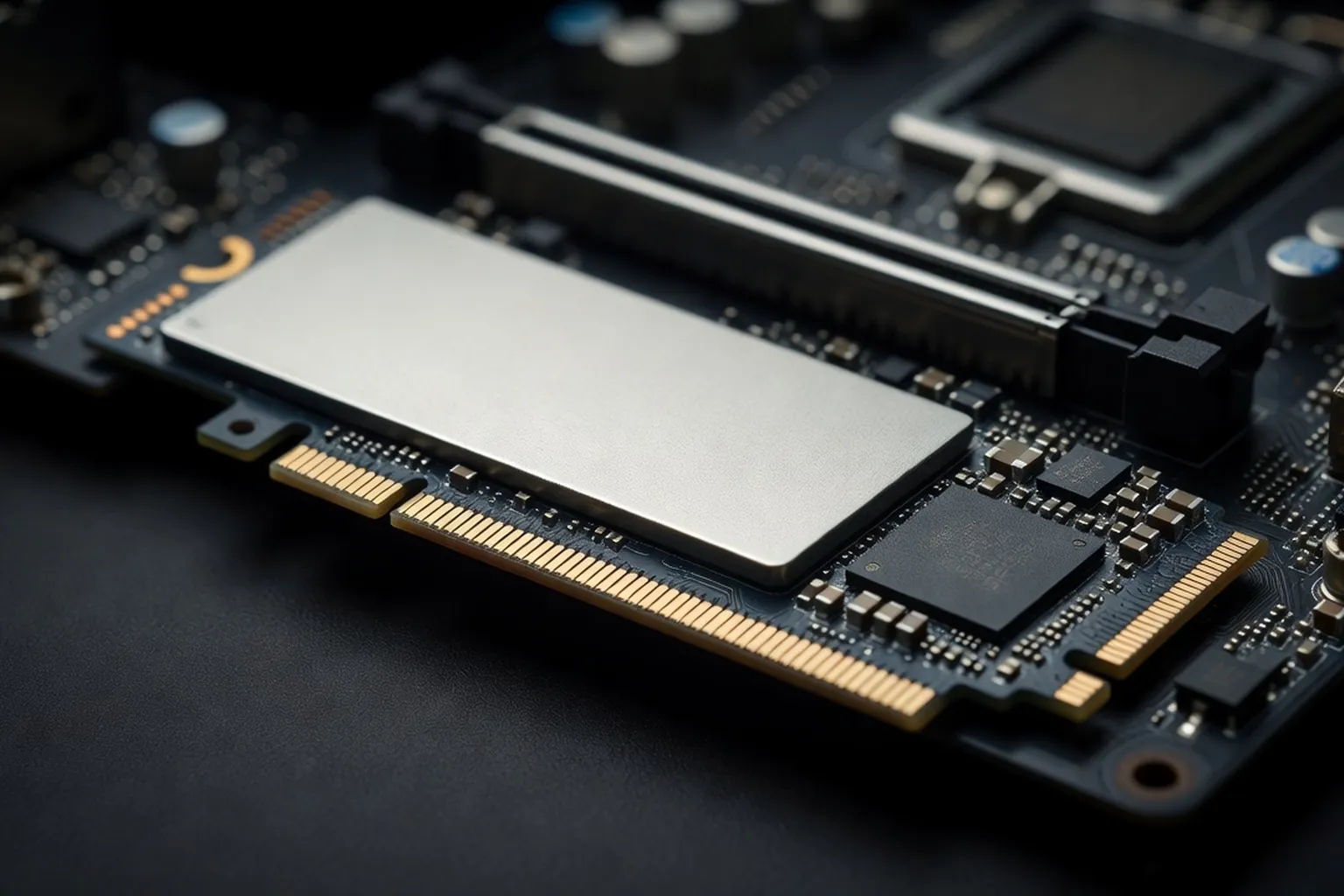
Storage choice in 2026 comes down to interface (Gen5 vs Gen4), endurance (TBW) and use case. This guide picks the best SSDs at every tier — from $50 boot drives to multi-terabyte Gen5 monsters for creators.
Solid-state storage in 2026 is no longer a single conversation. The market has fractured into four distinct interface tiers — SATA, PCIe Gen3, Gen4 and Gen5 NVMe — each with its own sweet spot of price, performance and thermal behavior. Add to that the ongoing transition from TLC to QLC NAND, the divergence between DRAM and DRAM-less controllers, and the rise of compact 2230 drives for handhelds and laptops, and choosing the right SSD has become as nuanced as picking a CPU. The good news: prices per terabyte have dropped roughly 35% since 2024, putting fast NVMe storage within reach of almost every build. The bad news: marketing benchmarks rarely reflect the workload you actually run, and a drive that posts 14 GB/s on a Crystal Disk Mark screenshot may collapse to 1 GB/s during a real game install. This guide breaks down the best SSDs by use case, with concrete specs, sustained-write behavior, real-world performance numbers and honest recommendations for gamers, creators and budget builders alike. Whether you’re upgrading a five-year-old SATA drive or planning a $5000 workstation build, the right pick depends as much on how you use the machine as on raw bandwidth numbers.
SSD interfaces in 2026: SATA, NVMe Gen3, Gen4, Gen5
The interface determines the theoretical bandwidth ceiling, but the controller and NAND do the actual work. SATA III tops out at 600 MB/s sequential — a hard wall set by the protocol itself. PCIe Gen3 x4 NVMe drives push up to 3.5 GB/s, Gen4 x4 reaches 7.4 GB/s, and Gen5 x4 now delivers a staggering 14.5 GB/s on flagship parts like the Crucial T705. Random 4K IOPS, which actually matter for OS responsiveness and game loading, scale less dramatically: a good Gen4 drive hits 1 million read IOPS, while Gen5 parts reach roughly 1.5 million.
Once you have a new drive, backup discipline matters — see jesauvegardemesdocuments.fr (PC backup and storage best practices) for an excellent introduction to incremental and full-image backups.
Controllers separate the winners from the also-rans. The Phison E26 dominates Gen5 alongside Silicon Motion’s SM2508, which runs cooler and pulls about 30% less power. For Gen4, Phison E18, SMI SM2264 and Samsung’s in-house Pascal controller power most enthusiast drives. Budget Gen4 increasingly relies on the Maxio MAP1602 or Phison E27T — both DRAM-less designs that lean on HMB (Host Memory Buffer) to cache mapping tables in system RAM.
DRAM-equipped drives still win for sustained writes and heavy mixed workloads. A 2TB Samsung 990 Pro with 2GB of LPDDR4 cache will hold its peak speed for tens of gigabytes longer than a DRAM-less equivalent. NAND matters too: TLC (3 bits per cell) remains the standard for performance drives, while QLC (4 bits per cell) appears on capacity-focused budget models, trading endurance and sustained write performance for cost per terabyte. To unlock Gen5 speeds you also need the right motherboard with PCIe 5.0 lanes on the primary M.2 slot — most B650 and lower-end B850 boards still cap that slot at Gen4.
Best PCIe Gen5 SSD for workstations
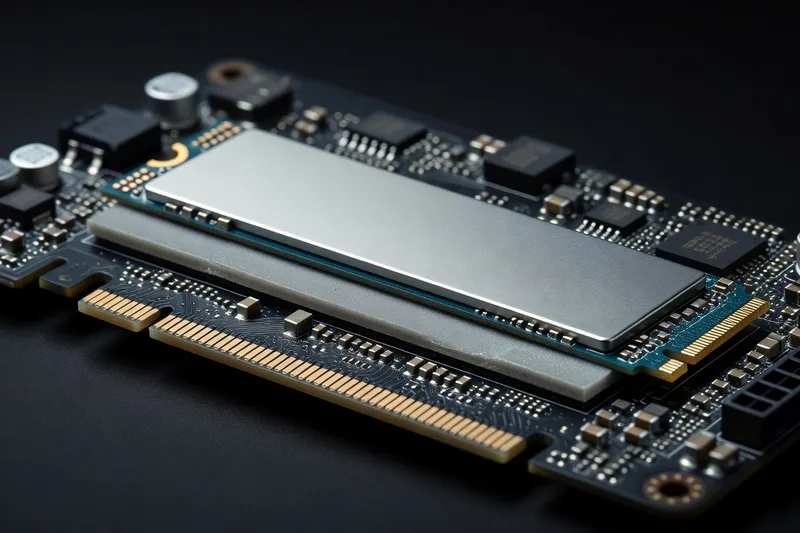
Gen5 is finally mature in 2026. The first wave of E26-based drives released in 2023 ran hot and demanded large heatsinks; the second generation, led by SM2508 controllers, delivers similar speeds while consuming far less power. The Crucial T705 remains the speed king on paper at 14.5 GB/s sequential read and 12.7 GB/s sequential write, with 1.55 million random read IOPS and a 600 TBW rating on the 1TB model. Pricing has settled around $180 for 1TB, $320 for 2TB and $620 for 4TB.
The Samsung 9100 PRO, launched in early 2026, matches the T705 in sequential reads at 14.8 GB/s while pulling roughly 25% less power thanks to a refined in-house controller. Endurance is class-leading at 2400 TBW on the 4TB model, and Samsung Magician now ships with proper Gen5 thermal telemetry. Expect to pay a $40-60 premium per capacity tier over the Crucial.
WD Black SN8100 rounds out the top three with a slightly more conservative 14.2 GB/s sequential read but exceptional sustained write performance — it holds 10 GB/s for the first 200GB of writes before throttling, compared to 100-150GB on competing drives. This makes it the pick for video editors moving large project files.
A critical caveat: every Gen5 drive throttles aggressively without proper cooling. Plan for either a motherboard-integrated M.2 heatsink with thermal pads on both sides or an aftermarket heatsink with active airflow. Without it, expect sustained writes to drop by 40-60% within 30 seconds as the controller hits its 70-75°C thermal limit. Sabrent’s Rocket 5 ships with an oversized heatsink that consumes the adjacent PCIe slot — workable in some boards, blocking in others. Verify clearance before buying. Power draw is another consideration often glossed over in reviews: a Gen5 drive under sustained write load pulls 11-13 watts, roughly double a typical Gen4 part. In compact ITX builds with tight thermals, that extra heat dump matters.
Best PCIe Gen4 SSD: the 2026 sweet spot
Gen4 NVMe remains the sweet spot for gaming and general productivity in 2026. The performance delta over Gen5 in real-world game loading is under 5%, while pricing sits 40-50% lower per terabyte. The Samsung 990 Pro continues to dominate at 7.45 GB/s sequential read and 6.9 GB/s write, with 1.4 million random read IOPS and a refined 8nm controller that runs noticeably cooler than its predecessor. The 2TB model sits at $185, the 4TB at $360.
The WD Black SN850X is the pick for gaming-focused builds thanks to its Game Mode 2.0 feature, which adaptively manages power states for lower input latency. Sequential numbers are slightly behind Samsung at 7.3 GB/s read and 6.6 GB/s write, but real-world DirectStorage performance is essentially identical. WD also ships the SN850X in a 8TB capacity — currently the largest consumer M.2 drive on the market at around $740.
The Crucial T500 represents the value play in Gen4. At $135 for 2TB it undercuts the premium drives by 25-30% while delivering 7.4 GB/s sequential read and 1.18 million random IOPS. The Micron 232-layer TLC NAND is excellent, and the Phison E25 controller handles HMB intelligently for the DRAM-less variant. The DRAM-equipped Pro version is the one to buy if you can find it.
For most users planning a complete PC build planned around fast storage, a 2TB Gen4 drive as the primary OS and games disk paired with a larger Gen3 or QLC secondary drive offers the best balance of speed, capacity and cost. Skip Gen5 unless you have a specific sustained-write workload that justifies the premium. Heat output on Gen4 drives is also far more manageable — most run between 50-65°C under load with just the stock motherboard heatsink, leaving headroom even in cramped Mini-ITX cases without dedicated airflow over the M.2 slots.
Best budget NVMe SSD under $100
The under-$100 NVMe segment has transformed dramatically in 2026. Drives that would have been considered mainstream two years ago now sit firmly in budget territory. The Crucial P3 Plus continues as the volume leader, offering 1TB for $58 and 2TB for $98. It’s a DRAM-less Gen4 drive using QLC NAND and the Phison E21T controller — sequential reads hit 5.0 GB/s and writes 4.2 GB/s in the SLC cache region. Once that cache exhausts (around 200GB on a 2TB model), write speeds drop to roughly 800 MB/s. For a boot drive with occasional game installs, that limitation rarely matters.
The Kingston NV2 is even cheaper at $48 for 1TB but uses variable components — Kingston rotates controllers and NAND silently between batches, so reviews vary wildly. Treat it as adequate boot storage for budget builds, not as a primary games drive.
The Solidigm P44 Pro deserves a mention as the value enthusiast pick. Built on the SK Hynix Aries controller with 176-layer TLC NAND, it delivers 7.0 GB/s sequential read and impressive 1.4 million random IOPS for $115 at 2TB — straddling the budget and performance categories. Sustained write performance trounces every other drive in this price range thanks to a true DRAM cache and proper TLC NAND throughout.
The trade-offs of DRAM-less designs become apparent during large file transfers and database workloads. HMB carves out 64MB of system RAM to hold the FTL mapping tables — adequate for sequential operations but slow for the random small-block writes typical of compilation, virtualization or video scrubbing. If your workload involves more than light gaming and web browsing, the extra $40 for a DRAM-equipped drive pays for itself in responsiveness.
Best SSD for laptops and external use
Laptop SSD selection in 2026 is shaped by two form factor realities: most ultraportables use the compact 2230 size (22mm wide, 30mm long), while traditional notebooks accept the standard 2280 size. The 2230 segment is led by the WD Black SN770M and the Sabrent Rocket 2230 — both deliver Gen4 speeds of 5.0-5.1 GB/s sequential read in a drive smaller than a stick of gum. Capacities top out at 2TB for $175 on the SN770M, making Steam Deck and ROG Ally upgrades a simple project.
Thermal limits matter more in laptops than in desktops. The thin chassis of an ultrabook offers minimal heat dissipation, so a Gen4 drive that throttles in a laptop will deliver real-world speeds closer to a well-cooled Gen3 part. The Samsung 990 EVO Plus is engineered specifically for this scenario, using a 6nm controller that produces 30% less heat than the 990 Pro while maintaining 7.0 GB/s sequential read speeds.
For external use, USB 4 enclosures (40 Gbps) finally unlock the full performance of Gen3 NVMe drives. The ACASIS TBU405 Plus and Yottamaster Tron F5 are the standout enclosures, both supporting tool-less installation and active cooling. Pair one with a 2TB WD Black SN770 and you have a portable drive that transfers a 100GB game library in roughly 45 seconds — a 10x improvement over typical USB-C portable SSDs.
If you’re shopping for a notebook with future storage upgrades in mind, our laptop buying guide for upgradeability covers which 2026 models still offer accessible M.2 slots and which require complete teardowns to swap drives. A quick note on cloning: when migrating from a smaller original drive to a new SSD, use Samsung Data Migration, Macrium Reflect Free or Acronis True Image — Windows’ built-in image tools frequently fail on NVMe-to-NVMe transfers when the source and target use different sector sizes.
SSD for content creation and video editing
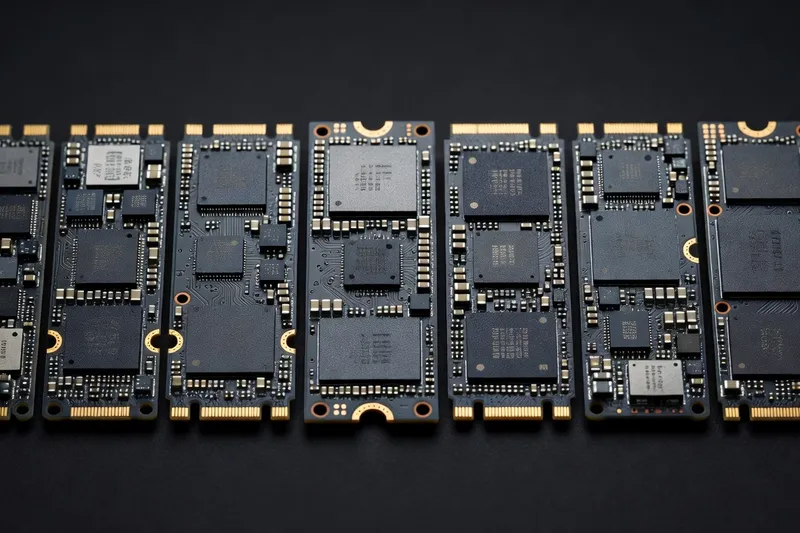
Video and photo professionals stress storage differently than gamers. Sustained sequential write performance, not peak bursts, determines how long it takes to ingest a 4-hour 8K shoot or render a multi-layer After Effects composition. The Samsung 9100 PRO leads this category thanks to its ability to hold 11 GB/s sustained writes for the first 400GB of a transfer — more than double what any Gen4 drive can manage.
A practical creator setup separates the OS, project drive and scratch disk across multiple drives. The OS lives on a 1TB Gen4 (Samsung 990 Pro or WD SN850X), active projects sit on a 4TB Gen5 (T705 or 9100 PRO), and archival storage uses high-capacity QLC drives or NAS spinning rust. The scratch disk benefits most from Gen5’s bandwidth — Premiere Pro and DaVinci Resolve both write multi-gigabyte preview and cache files continuously during editing.
RAID 0 of two Gen4 drives is no longer the budget speed hack it used to be. Modern Gen5 single drives match or exceed dual-Gen4 RAID throughput while avoiding the data loss risk inherent to striping. If you need beyond 14 GB/s for extreme workloads — uncompressed 8K RAW workflows, large AI training datasets — RAID 0 of two Gen5 drives on a bifurcated x8 slot can theoretically push 28 GB/s, but few storage workloads can actually consume that bandwidth.
Don’t overlook system memory. Many “storage” bottlenecks during video editing are actually RAM exhaustion forcing page-file swaps. Ensure 64GB minimum DDR5 for 4K work, 128GB for 8K, and pair it with a CPU that can keep up. The combination of CPU multi-thread performance and high-bandwidth storage is what separates a smooth editing experience from constant playback stutter. Photographers handling large RAW catalogs face a similar pattern: Lightroom and Capture One both benefit dramatically from moving the catalog and previews to a fast NVMe drive while keeping source files on bulk storage. The catalog database does heavy small-random-write work that QLC drives handle poorly — splurge on TLC here even if total catalog size is modest.
How to choose: a buying framework
Work through these five questions in order and the right drive becomes obvious. First, capacity: what’s your minimum acceptable size? In 2026 that’s 1TB for a pure boot drive, 2TB for a gaming rig, and 4TB minimum for content creation primary storage. Don’t undersize — modern game install sizes routinely exceed 150GB each.
Second, interface: does your motherboard support Gen5 on the slot you’ll use? If yes and your workload involves sustained large writes (video, AI, scientific data), Gen5 is worth the premium. For everyone else, Gen4 delivers 95% of the real-world performance at 50% of the price. Avoid SATA SSDs unless you’ve exhausted all M.2 slots.
Third, endurance: how much will you actually write per day? Casual users won’t approach the 600 TBW rating of a typical 1TB drive in five years. Video editors handling daily multi-terabyte projects should prioritize 2400+ TBW drives like the Samsung 9100 PRO 4TB.
Fourth, use case: gaming favors low-latency DirectStorage-optimized drives (990 Pro, SN850X). Creators need sustained write performance (9100 PRO, T705, SN8100). Budget builds maximize capacity per dollar (P3 Plus, NV2, T500).
Fifth, budget: the diminishing returns curve is real. A $135 Crucial T500 2TB delivers 90% of the experience of a $320 Crucial T705 2TB Gen5 in everyday use. Spend the saved $185 on more RAM, a better GPU or a larger secondary drive — every one of those upgrades will impact daily computing more than the marginal Gen4-to-Gen5 jump.
A final shortlist for 2026: gamers buy the WD Black SN850X 2TB, creators buy the Samsung 9100 PRO 4TB, budget builders buy the Crucial P3 Plus 2TB, and laptop upgraders pick the WD Black SN770M in their required form factor. Those four drives cover roughly 90% of real-world use cases. Anything beyond that is workload-specific tuning rather than mainstream advice.
An NVMe SSD upgrade consistently lands at #1 in our top 15 PC upgrades for 2026 ranked by impact.