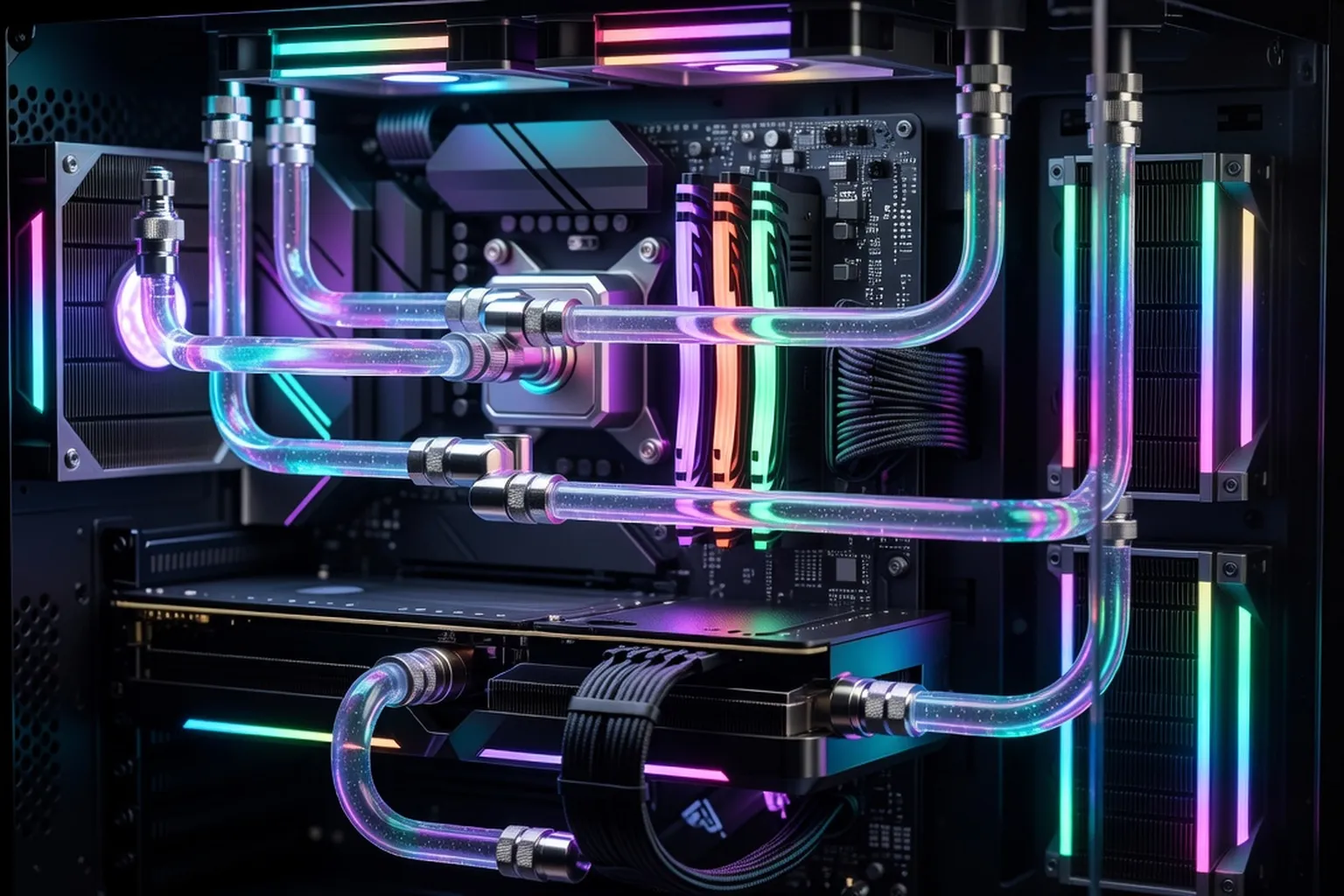
Modern overclocking is less about raw frequency and more about thermals, voltage curves and intelligent boosting. This guide explains how to extract real performance from 2026 hardware using safe, repeatable techniques.
Overclocking in 2026 looks almost nothing like the practice enthusiasts knew a decade ago. The era of slapping a fixed 4.8 GHz multiplier on every core and calling it a day is over. Modern CPUs from AMD and Intel ship with extraordinarily sophisticated boost algorithms that already extract most of the silicon’s headroom, and the meaningful gains now come from intelligent voltage curves, thermal optimisation and memory tuning rather than raw frequency. The good news is that the tools available to enthusiasts have matured dramatically: AMD’s Curve Optimizer, Intel’s Application Optimization (APO), per-core voltage offsets and adaptive boost behaviours allow tuners to gain performance while simultaneously reducing power draw and temperatures. This guide walks through what works on 2026 hardware, what is safe, and where the real performance hides. Expect a focus on practical procedures, validated voltage ranges and the validation discipline that separates a benchmark-stable system from a daily-driver-stable one.
Overclocking in 2026: what has changed
The fundamental shift in the past three years is that overclocking has become a voltage-curve discipline rather than a frequency discipline. AMD’s Ryzen 9000 series, built on the Zen 5 architecture, exposes Precision Boost Overdrive (PBO) and the Curve Optimizer in nearly every B650, B850, X670 and X870 motherboard BIOS. Rather than setting a fixed all-core clock, Curve Optimizer lets you tell each core to request slightly less voltage at every point on its V/F curve, which allows the boost algorithm to push higher frequencies within the same thermal and power envelope. Negative offsets of -15 to -30 on the strongest cores are typical for Ryzen 9 7950X3D and Ryzen 9 9950X3D owners.
Intel’s Core Ultra 200 series (Arrow Lake) takes a different but parallel approach with Application Optimization, which dynamically schedules threads onto the highest-performing P-cores while applying per-application voltage-frequency tweaks. Combined with the new disaggregated tile design, Arrow Lake is far less voltage-hungry than Raptor Lake Refresh, which means undervolting offsets of -50 to -100 mV are realistic on the 285K and 265K without losing boost frequency.
What this means in practice: the days of buying a budget chip and overclocking it to match the flagship are gone. Picking the right CPU choice up front matters more than ever, because the silicon you buy is roughly the silicon you keep. What modern overclocking does deliver is a 5-10% performance improvement at lower temperatures, quieter cooling, and significantly better sustained boost behaviour during long workloads. The trade is no longer raw MHz for stability — it is curve tuning and thermal headroom for sustained turbo residency, which is where modern boost algorithms spend most of their time. The boost algorithm is constantly negotiating with thermal, power and current limits; freeing any one of those three constraints lets the chip stay closer to its peak frequency for longer, which is what users actually feel as faster.
Cooling is everything: choosing the right thermal solution
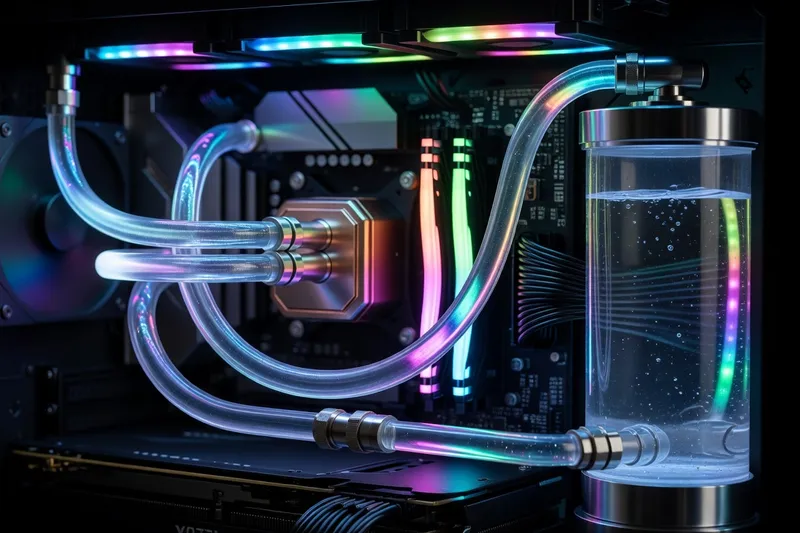
In 2026, the bottleneck on overclocking is almost always thermal rather than electrical. Boost algorithms react to temperature in real time and will scale clocks down the moment a core touches 90-95°C, so every degree you shave off package temperature translates directly into sustained frequency. This is why cooling has become the single most consequential overclocking decision.
For a Ryzen 9 9950X or Core Ultra 9 285K, a 280mm AIO is the practical minimum. A 360mm AIO such as the Arctic Liquid Freezer III 360, NZXT Kraken Elite 360 or Corsair iCUE H150i RGB Elite is the sweet spot for sustained Cinebench R24 runs at PBO max. Custom water loops with a 360mm or 420mm radiator unlock another 3-5°C of headroom, which is the difference between a Ryzen 9 9950X3D holding 5.6 GHz indefinitely and dropping to 5.3 GHz under prolonged load.
Air cooling has not died, however. The Noctua NH-D15 G2, Thermalright Peerless Assassin 140 and Be Quiet Dark Rock Pro 5 can keep mid-tier overclocks stable on a Ryzen 7 9700X or Core Ultra 7 265K, with the advantage of zero maintenance and silent operation.
Target temperatures matter as much as cooler choice. Aim for 75-80°C under sustained all-core loads and 85-90°C under transient spikes. Configure fan curves in the BIOS to ramp aggressively above 70°C, and never run a fixed low-RPM curve on an overclocked system. Repaste annually with a quality compound like Thermal Grizzly Kryonaut Extreme or Honeywell PTM7950 to maintain thermal performance over time. Case airflow is the second half of the equation — a top-tier AIO trapped in a poorly ventilated chassis will recirculate hot air, while a mid-tier cooler in a high-airflow case like the Fractal North XL or Lian Li Lancool 216 will routinely outperform it on sustained loads.
Overclocking AMD Ryzen 9000 with Curve Optimizer
The Curve Optimizer is the centrepiece of any Ryzen 9000 overclock. Found in the BIOS under AMD Overclocking / Precision Boost Overdrive / Curve Optimizer, it accepts a negative offset per core ranging from 0 to -30 (or even -50 on some boards). A negative offset lowers the voltage requested at each frequency step on that core’s V/F curve, which both reduces temperature and creates headroom for the boost algorithm to push higher clocks.
The starting point for most 9000-series chips is a global -10 offset. From there, use HWInfo64 to identify the best and worst cores (the BIOS marks them with stars or numbers), then increase the offset on the strongest cores to -20 or -25, while keeping weaker cores at -10 or -15. Asymmetric tuning is critical — pushing every core to -30 will cause WHEA errors on the weakest cores while leaving performance on the table for the strongest.
Set PBO to Advanced, raise the PPT, TDC and EDC limits to motherboard maximums, and apply a +200 MHz boost override. This combination tells the chip it can pull more power and clock higher whenever thermals allow. On a Ryzen 9 9950X with a 360mm AIO, this typically yields a 4-6% Cinebench R24 improvement and 5-15W lower package power at the same multi-core score.
The 3D V-Cache chips (Ryzen 7 9800X3D, Ryzen 9 9950X3D) require extra care. The cached CCD is voltage-sensitive and should be limited to -15 or -20 maximum, while the non-cached CCD on dual-CCD parts can go to -25 or -30. Never apply a positive vCore offset to an X3D chip — keep all manual voltage adjustments to the curve.
Quality VRMs matter more on Ryzen than people realise, because PBO swings current rapidly. Pairing the chip with the right X870 motherboard with quality VRMs such as the Asus ProArt X870E-Creator or MSI MEG X870E Carbon keeps voltage delivery clean under transient PBO spikes.
Overclocking Intel Core Ultra 200 series
Arrow Lake brings the cleanest Intel overclocking experience in over a decade. The disaggregated design lowered voltage demands, removed the hottest hotspots of Raptor Lake, and made Intel’s Application Optimization layer a genuinely useful tuning tool rather than a gimmick.
Start with the basics: in the BIOS, enable Multi-Core Enhancement only if your board’s implementation is conservative (Asus ROG and MSI MEG boards generally are), and set the P-core ratio to its boost multiplier (e.g., 57x on a Core Ultra 9 285K). Then enter the V/F point editor and apply a negative voltage offset on the highest two or three frequency points — start with -50 mV and work down in 10 mV steps. Most 285K samples will run -80 to -100 mV stable, which drops package temperature by 8-12°C in Cinebench R24.
E-core overclocking on Arrow Lake has limited returns. Setting the E-core ratio one step above default (typically 47x to 48x on a 285K) gains 2-3% in heavily threaded workloads but increases ring bus voltage demands. For most users, leaving E-cores at stock and focusing on P-core curve tuning gives the best efficiency.
APO is enabled through Intel’s driver suite and applies pre-validated per-application schedules to a list of supported games and productivity applications. Combined with Windows 11’s updated thread director behaviour, APO can deliver 5-15% gaming performance gains in supported titles such as Metro Exodus Enhanced and Cyberpunk 2077.
AVX-512 stability is no longer a concern on Arrow Lake — the instruction set was removed from the consumer dies entirely. AVX2 and AVX10 stress tests remain the validation standard. Run AIDA64 with FPU stress enabled for an hour as part of your stability validation; if the system holds clean clocks and no WHEA errors appear, the curve is solid. Pay attention to ring bus voltage as well: pushing the cache ratio above its stock value rarely pays for itself, and can introduce subtle instability under mixed-frequency workloads.
Memory overclocking: the real performance gain
This is where the biggest 2026 gains hide. Modern Ryzen and Intel chips are increasingly bandwidth-bound, and a well-tuned DDR5 kit delivers larger real-world improvements than any CPU curve.
Start by enabling the kit’s EXPO profile (AMD) or XMP profile (Intel) in the BIOS. For Ryzen 9000, the sweet spot is DDR5-6000 CL30 with FCLK at 2000 MHz, maintaining the critical 1:1 ratio between memory controller frequency and Infinity Fabric. Going above DDR5-6400 forces the controller into 1:2 mode, which adds latency and usually loses performance despite the higher bandwidth. For Intel Core Ultra 200, the platform supports much higher frequencies — DDR5-7200 to DDR5-8000 CL36 is realistic, and Arrow Lake’s memory controller benefits noticeably from the extra bandwidth.
Once EXPO or XMP is stable, tighten the primary timings: CL (CAS Latency), tRCD (RAS to CAS Delay), tRP (RAS Precharge), and tRAS (Active to Precharge Delay). A typical DDR5-6000 CL30-36-36-76 kit can often be tightened to CL28-34-34-72 with no voltage change. Drop CL first, then tRCD and tRP together, and validate after each adjustment.
Sub-timings deliver the next layer of gains. tRFC (Refresh Cycle), tRRDS, tRRDL and tFAW have outsized effects on latency. Use the DRAM Calculator or community-validated subtiming presets for your IC type (Hynix M-die, Samsung B-die equivalent or Micron Rev B) as a starting point.
The biggest gains come from pairing tuned memory with fast DDR5 kits with good ICs — Hynix M-die and A-die kits from G.Skill Trident Z5 Royal Neo, Corsair Dominator Titanium and Kingston Fury Renegade routinely hit DDR5-8000 on Intel and DDR5-6400 1:1 on Ryzen with manual tightening.
Validate memory stability with MemTest86 (two full passes), Karhu RAM Test (target 10,000% coverage minimum), and TestMem5 with the absolut config (three cycles). Memory errors are sneaky — a kit can boot and run benchmarks fine while corrupting data silently, so never skip this step.
GPU overclocking: small gains, real risk
GPU overclocking in 2026 follows the same trend as CPU overclocking — manufacturers ship the silicon close to its limits, and the real win lies in undervolting rather than overclocking. The RTX 50 series and RX 9000 series both implement aggressive dynamic boost that already pushes clocks to thermal and power limits.
For developer-focused performance tuning context on Linux build hosts and benchmarking pipelines, see codeyourweb.org (developer-focused hardware reading).
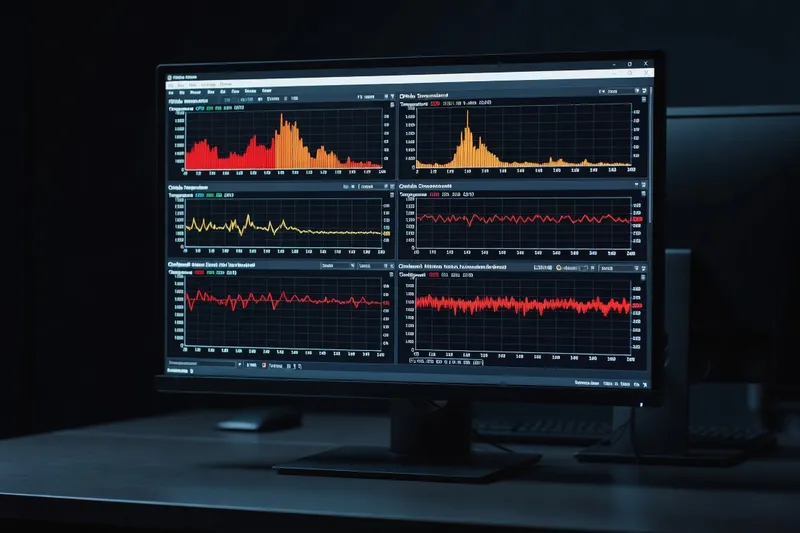
MSI Afterburner remains the universal tool. For NVIDIA RTX 50 cards, open the curve editor (Ctrl+F), find your stock voltage point (typically around 1.05V), drag everything to its right down, then raise that single point by 50-75 MHz. The result is a flat curve that holds your chosen frequency at lower voltage. Most RTX 5080 and RTX 5090 cards run stable at 0.925V holding 2700-2800 MHz, dropping 60-90W of power draw and 8-15°C of temperature with no performance loss.
AMD RX 9000 series owners get equivalent control through the Adrenalin Tuning tab, with explicit voltage offset and frequency target sliders. A typical RX 9070 XT runs well at -80 mV with a +5% power limit, gaining 3-5% effective performance through better sustained clocks.
Memory overclocking on the GPU side has smaller margins. A +200 to +400 MHz memory offset on GDDR7 cards is generally safe and delivers 2-4% in memory-bound titles, but pushing past +500 MHz risks error correction kicking in, which silently tanks performance.
The honest conclusion: in 2026, undervolt your GPU. Overclock only if you are chasing benchmarks. Lower temperatures mean longer card life, quieter fans, and more sustained boost residency in long gaming sessions.
Stability testing and final validation
A profile is not stable until you have proven it stable. The validation pipeline for a 2026 overclock looks like this, in order:
Practical workshop guides from ultrasyd-informatique-pornic.fr (real-world PC repair experience) are a useful sanity check before pushing voltages on a brand new chip.
First, run Cinebench R24 in a 30-minute loop. This is your initial smoke test — any clock instability or WHEA error here means the curve is too aggressive. Watch HWInfo64 for WHEA Logger errors in the Windows event log and for the maximum effective clock dropping below the expected target.
Second, run Prime95 with Small FFTs for one hour. This is the worst-case power and thermal test for the CPU cores. If temperatures stay below 95°C and no errors appear, the cooling and per-core voltages are sound. Skip Prime95 Large FFTs unless you specifically want to validate memory under load.
Third, run AIDA64 Stress Test with FPU enabled for an hour. This pushes AVX2 workloads hard and reveals subtle voltage issues that Cinebench misses. It is the most reliable real-world validator for Ryzen 9000 and Arrow Lake.
Fourth, run OCCT in CPU + Memory mode for two hours. OCCT catches memory-related instability and edge cases that pure CPU stress tests miss.
Fifth, for memory: MemTest86 two full passes, then Karhu RAM Test until 10,000% coverage minimum (typically 6-8 hours).
The four-hour rule applies to gaming and daily use: after passing all synthetic stress tests, run your normal workload for at least four uninterrupted hours — gaming sessions, video encoding, compilation, whatever you actually do. Real workloads expose stability holes that synthetic tests miss, because they hit different voltage and frequency transitions. Only after a clean four-hour run is the profile truly daily-driver stable.
Save your settings as a BIOS profile, export it to a USB stick, and document the exact values in a text file. A BIOS update or a CMOS reset will wipe everything, and rebuilding a multi-day tuning effort from memory is painful. Treat the final profile as a configuration artefact: versioned, documented and recoverable. Revalidate after any major BIOS update, because microcode changes can shift the V/F curve enough to require a fresh sweep.
Pair this with the right cooler — our best PC cooling guide for 2026 compares air, AIO and custom loops with thermal data on modern high-TDP CPUs.