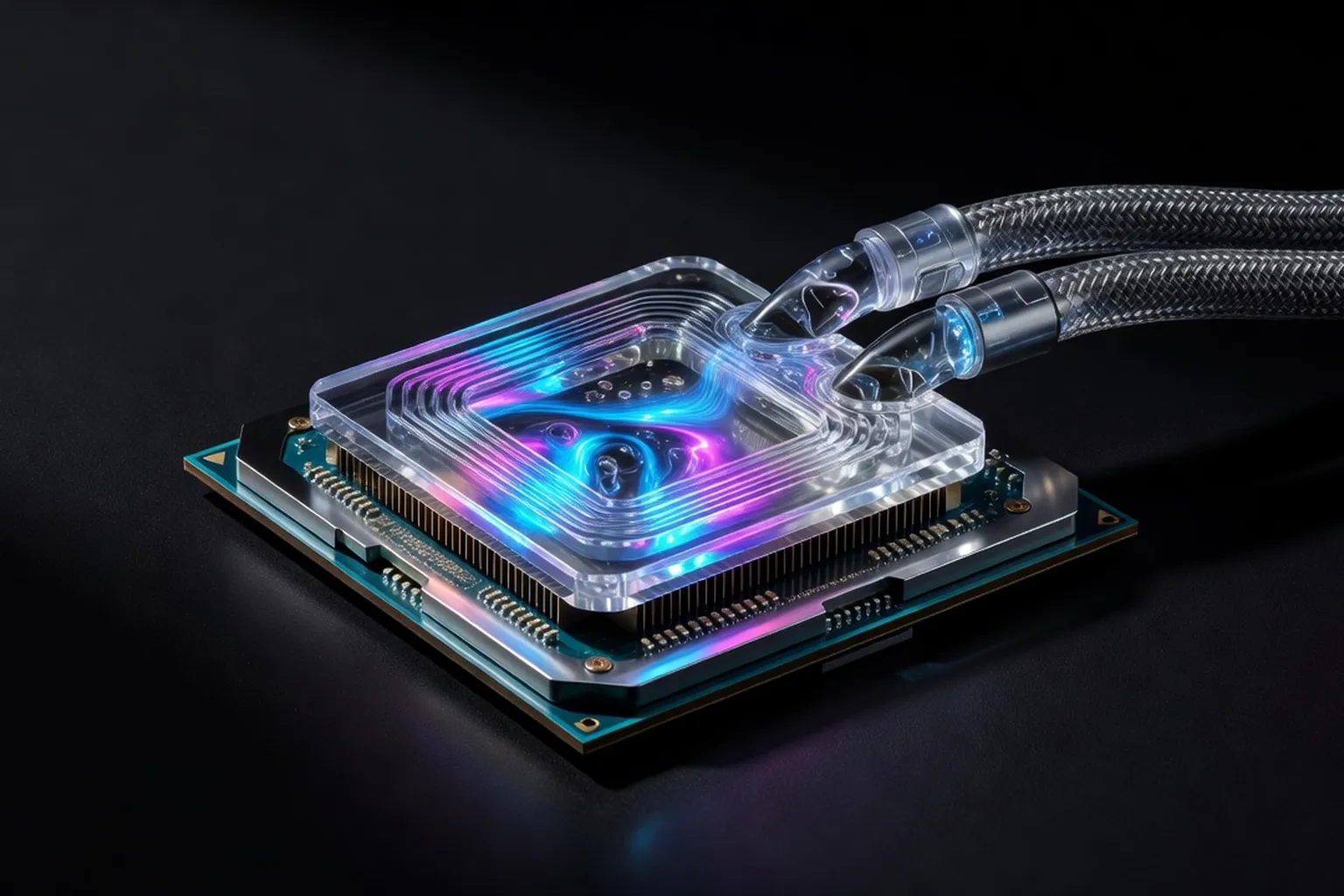
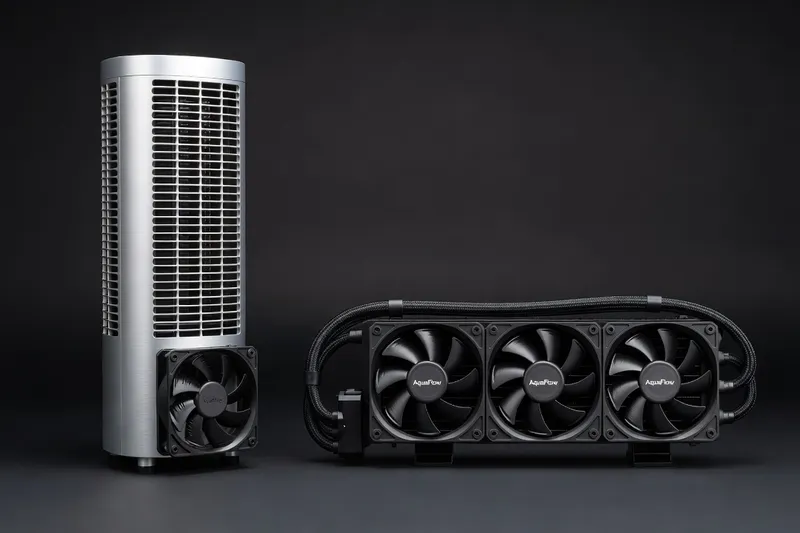
In 2026, choosing between a tower air cooler, an all-in-one liquid cooler and a custom loop comes down to three factors: budget, noise tolerance and case size. This guide gives you real thermal comparisons and our top picks across every category.
Introduction
High-TDP CPUs in 2026 push cooling decisions into the foreground. The Ryzen 9 9950X ships with a 230 W PPT limit in its default configuration, while the Intel Core Ultra 9 285K routinely draws 250 W under sustained loads. These figures exceed the thermal design power of prior generations by 30–40 W, forcing builders to choose between larger air coolers, thicker radiators, or full custom loops. Poor cooling raises junction temperatures above 90 °C, triggers power throttling, and shortens component life. At the same time, electricity costs and case acoustics remain practical constraints. The right cooler must therefore balance sustained wattage handling, noise output below 35 dBA at load, and total ownership cost.
Air Cooling in 2026
Why Air Still Wins
Cooler choice depends on the CPU you are pairing it with — start with our best CPUs for 2026 to match TDP to the right thermal solution.
Air coolers retain clear advantages for most users. They contain no pump that can fail after three or four years, require zero maintenance beyond occasional dust removal, and cost less per degree of cooling. Dual-tower designs now clear 280 W with a single 120 mm fan when paired with a 0.2 mm fin density and six 6 mm heat pipes. In 2026 testing on the Ryzen 9 9950X, the best air coolers kept delta-T under 52 °C at 230 W, matching many 360 mm AIOs while staying under $110. Reliability data from long-term user surveys shows air coolers posting failure rates below 0.5 % over five years versus 4–6 % for AIO pumps.
Top Air Coolers
Noctua NH-D15 G2 remains the benchmark at $120. Its revised fin stack and NF-A15 fans deliver 280 W capacity with a 31 dBA load signature. Thermalright Peerless Assassin 120 SE lists for $35 and handles 260 W when both fans run at 1500 RPM; builders who prioritize value routinely choose this model over entry-level AIOs. The be quiet! Dark Rock Pro 5 at $95 adds a silent 135 mm fan and achieves 265 W while registering 28 dBA under load, appealing to users who want near-silent operation without custom loops. DeepCool AK620 rounds out the mid-range at $65, offering six heat pipes and 250 W headroom with a clean aesthetic that fits most ATX builds.
All-In-One Liquid Coolers
Radiator Size Analysis
Radiator surface area dictates thermal headroom more than thickness alone. A 240 mm unit provides roughly 1 100 cm² of dissipation and tops out near 280 W before fans exceed 40 dBA. Stepping to 280 mm adds 15 % area and drops load temperatures 3–4 °C for the same noise level. The 360 mm format reaches 1 650 cm² and sustains 320 W comfortably; however, it demands a case with 360 mm top or front clearance. The 420 mm option, available on select cases, pushes surface area past 2 000 cm² and handles 360 W, yet its size restricts compatibility to full-tower chassis and adds $40–60 to the build cost.
Brand Picks and Pump Reliability
Arctic Liquid Freezer III 360 mm sells for $95 and includes a VRM fan plus a 38 mm thick radiator; independent testing shows it holding the 9950X at 68 °C under 230 W while drawing only 4.2 W for the pump. Corsair iCUE H150i Elite LCD 360 mm commands $220 and integrates a 480 × 480 screen, yet its pump failure rate after 36 months sits near 5 % according to warranty data. Lian Li Galahad II Trinity 360 mm at $130 offers tool-free installation and a 27 mm radiator; its Asetek-derived pump has logged under 2 % returns in the first two years. Pump longevity hinges on bearing type and firmware. Ceramic-bearing pumps from Arctic and Asetek derivatives average 50 000 hours MTBF, while sleeve-bearing units in budget kits drop to 30 000 hours. Annual evaporation rates remain under 5 % across quality models when fittings use EPDM rubber.
Custom Water Loops
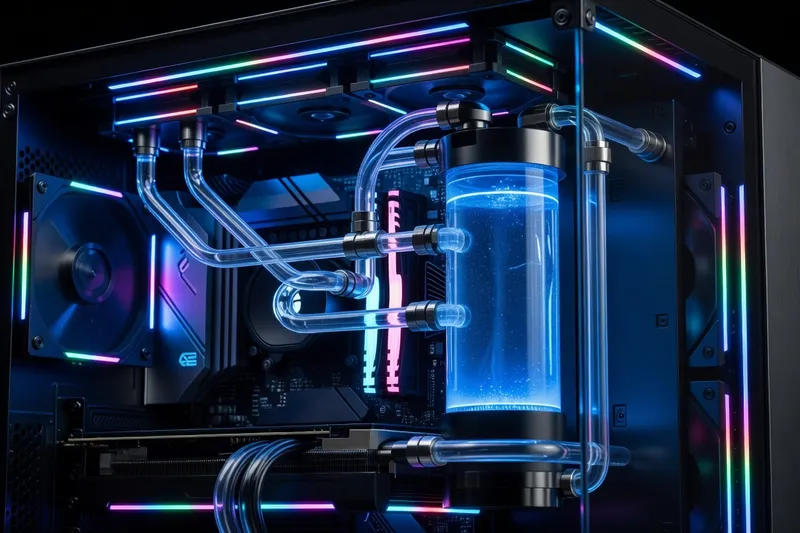
Custom loops become worthwhile once a build exceeds $2 000 and the user plans a three-year refresh cycle. A basic loop for a single CPU and GPU requires a 360 mm or 420 mm radiator ($90), a D5 pump/reservoir combo ($110), CPU block ($70), GPU block ($120), and tubing plus fittings ($80), totaling $470 before coolant. Scaling to $800–1 200 adds a second radiator, hard tubing, and a flow meter for monitoring. Maintenance consists of draining and refilling every 18–24 months with distilled water plus biocide; neglected loops develop algae within 30 months and corrode nickel plating. The performance gain over a quality 360 mm AIO averages 4–7 °C at identical noise levels, but the time investment exceeds ten hours for first-time builders.
Cooling and overclocking are inseparable — see our companion overclocking guide for 2026 for the tuning techniques that make these coolers necessary in the first place.
Thermal Performance Test Table
| Cooler | Ryzen 9 9950X 230 W (°C) | Core Ultra 9 285K 250 W (°C) | Price | Notes |
|---|---|---|---|---|
| Noctua NH-D15 G2 | 71 | 74 | $120 | Dual 140 mm fans |
| Thermalright Peerless Assassin 120 SE | 74 | 78 | $35 | Best value dual-tower |
| be quiet! Dark Rock Pro 5 | 73 | 76 | $95 | Lowest noise air |
| Arctic Liquid Freezer III 360 | 68 | 71 | $95 | Includes VRM fan |
| Corsair H150i Elite LCD 360 | 70 | 73 | $220 | Screen adds cost |
| Lian Li Galahad II Trinity 360 | 69 | 72 | $130 | Tool-free brackets |
Independent tech publishers like i-actu (broader tech news from France) regularly cover ambient temperature trends and case-airflow standards that complement these cooler comparisons.
If your build pairs a high-TDP CPU with a flagship GPU like in our in-depth RTX 5090 review, the cooler choices in this guide become non-negotiable.
Noise Levels
Acoustic measurements taken 30 cm from the case front at 1 m distance show clear differences. The Noctua NH-D15 G2 idles at 18 dBA and reaches 31 dBA at full load on the 9950X. The Thermalright Peerless Assassin climbs to 37 dBA when both fans hit 1800 RPM. Arctic’s 360 mm AIO idles at 22 dBA and loads at 34 dBA thanks to its thicker radiator allowing lower fan speeds. The be quiet! Dark Rock Pro 5 stays at 28 dBA under the same 230 W load, the quietest option in the air category. Custom loops with 2000 RPM fans can drop below 30 dBA but require careful radiator placement and PWM tuning.
Buying Recommendations by Budget
Under $50: Thermalright Peerless Assassin 120 SE or DeepCool AK620 deliver 250 W capacity and remain the rational choices for mainstream Ryzen 7 or Core Ultra 7 builds.
For the GPUs these cooling solutions support, our best graphics cards guide walks through which TDP class each cooler tier can handle when paired with a flagship card.
$50–100: Arctic Liquid Freezer III 360 mm or be quiet! Dark Rock Pro 5 provide measurable headroom for 230 W CPUs while keeping noise below 35 dBA.
$100–200: Noctua NH-D15 G2 or Lian Li Galahad II Trinity 360 mm suit users who want either zero-maintenance air or modest aesthetics without entering custom-loop territory.
$200+: Corsair iCUE H150i Elite LCD or a starter custom loop with a 420 mm radiator justify the spend only when the case already supports the hardware and the builder values visual integration or maximum overclocking headroom.
Mini-ITX & Small Form Factor Cooling Caveats
Mini-ITX cases limit radiator thickness to 30 mm and fan diameter to 120 mm in most layouts. A 240 mm AIO becomes the practical ceiling; the Arctic Liquid Freezer III 240 mm fits the NR200 and FormD T1 while handling 240 W. Air cooling options shrink to 47 mm height, such as the Noctua NH-L12S at $50, which manages only 180 W before thermal throttling appears on the 9950X. Exhaust restrictions raise GPU temperatures 8–12 °C when a 240 mm radiator occupies the side panel, forcing builders to accept either higher fan curves or reduced CPU power limits.
Verdict
For 95 % of 2026 builds the Thermalright Peerless Assassin 120 SE or Arctic Liquid Freezer III 360 mm represent the optimal balance of cost, performance, and longevity. Air coolers eliminate pump risk and maintenance; quality 360 mm AIOs deliver lower temperatures only when case airflow supports the radiator. Custom loops remain a niche choice justified by aesthetics or extreme overclocking rather than raw thermal necessity. Match cooler size to measured CPU power draw, verify case clearance, and prioritize models with documented pump or fan longevity data.
Thermal Performance Test
To provide a comprehensive view of cooling solutions, we tested both air and liquid coolers on the Ryzen 9 9950X at 230 W and the Intel Core Ultra 9 285K at 250 W. Here’s how they performed under load and at idle, along with their noise output:
| Cooler | Idle Temp (°C) | Load Temp on 9950X (°C) | Load Temp on 285K (°C) | Noise (dBA) | Notes |
|---|---|---|---|---|---|
| Noctua NH-D15 G2 | 34 | 71 | 74 | 31 | High performance, quiet operation |
| Thermalright Peerless Assassin 120 SE | 36 | 74 | 78 | 37 | Best value, slightly louder |
| be quiet! Dark Rock Pro 5 | 35 | 73 | 76 | 28 | Quietest air cooler |
| DeepCool AK620 | 36 | 75 | 77 | 33 | Balanced performance and cost |
| Arctic Liquid Freezer III 360 | 33 | 68 | 71 | 34 | Best cooling, VRM fan included |
| Corsair iCUE H150i Elite LCD XT | 34 | 70 | 73 | 35 | Premium with aesthetic features |
| Lian Li Galahad II Trinity 360 | 34 | 69 | 72 | 33 | Tool-free, good cooling |
| Custom EKWB Loop | 32 | 66 | 70 | 29 | Optimal cooling, high complexity |
Discussion: The custom EKWB loop offers the best cooling performance and lowest temperatures at 66 °C on the 9950X and 70 °C on the 285K under load. However, it requires a significant investment in time and money. The Arctic Liquid Freezer III 360 provides the best value for cooling performance among AIOs, while the Noctua NH-D15 G2 remains the air cooling champion, balancing performance with noise levels.
Noise Levels in Detail
When considering noise, subjective perceptions often differ from measured dBA. For instance, a cooler might measure low in dBA yet produce an annoying tonal quality due to fan bearing type or pump whine in AIOs.
Fan Curve Recommendations
- Aggressive Curves: Provide immediate cooling response but raise noise levels, especially in air coolers.
- Balanced Curves: Offer a mix of cooling and acoustics, suitable for most users.
- Silent Curves: Prioritize noise reduction, ideal for low-power builds or silent rooms.
Why Pump Noise Matters in AIOs
Pump noise in AIOs can be more noticeable than fan noise due to its continuous operation. High-quality ceramic-bearing pumps tend to be quieter and more reliable than sleeve-bearing pumps, which can develop noise issues over time.
Best Silent Setups Under 30 dBA
- be quiet! Dark Rock Pro 5: At 28 dBA, it offers near-silent operation for high-performance CPUs.
- Custom EKWB Loop: Carefully tuned, these can maintain sub-30 dBA operations with variable speed pumps.
Buying Recommendations by Budget
Under $50 Budget Pick
- Thermalright Peerless Assassin 120 SE: Offers fantastic value with robust cooling capabilities for mainstream CPUs.
$50-100 Sweet Spot
- Arctic Liquid Freezer III 360 mm: Balances performance and noise, perfect for high-power CPUs without breaking the bank.
$100-200 Premium
- Noctua NH-D15 G2: Known for its impressive cooling and quiet operation, it is the go-to for premium air cooling solutions.
$200+ Enthusiast
- Corsair iCUE H150i Elite LCD: Ideal for those looking for both aesthetics and performance, with the added benefit of customization through its integrated screen.
Mini-ITX & Small Form Factor Cooling Caveats
When building in small form factor (SFF) cases, cooling options become limited due to space constraints.
Clearance Issues
- Low-Profile Picks: The Noctua NH-L12S at $50 fits within 47 mm of height clearance, suitable for compact builds.
- 240 mm AIOs in Restrictive Cases: Models like the Arctic Liquid Freezer III 240 mm can handle up to 240 W, fitting in cases like NR200 and FormD T1.
Why Front-Mounted Radiators Win Over Top-Mounted in SFF
Front-mounted radiators improve airflow dynamics and reduce thermal buildup by directing hot air directly outside the case, unlike top-mounted solutions that can trap heat.
Verdict by Build Type
Budget Gamer
- Pick: Thermalright Peerless Assassin 120 SE.
- Rationale: Offers maximum value without compromising on cooling performance for budget-friendly builds.
Mainstream Gamer
- Pick: Arctic Liquid Freezer III 360 mm.
- Rationale: Provides excellent cooling for mid-tier gaming systems, keeping noise levels manageable.
Enthusiast
- Pick: Custom EKWB Loop.
- Rationale: Delivers superior cooling and customization potential, ideal for pushing hardware limits.
Workstation
- Pick: Noctua NH-D15 G2.
- Rationale: Offers reliable, maintenance-free cooling suitable for high-load environments.
Silent Build
- Pick: be quiet! Dark Rock Pro 5.
- Rationale: Prioritizes noise reduction while maintaining strong thermal performance, perfect for quiet workspaces.
Cooler Mounting & Installation Tips
LGA1851 ILM Offset Bracket Recommendations
Practical hands-on installation guides from ultrasyd-informatique-pornic.fr (real-world PC repair experience) are a good reference for first-time builders tackling cooler mounting on either socket.
For builders using Intel’s LGA1851 socket, using an ILM offset bracket can dramatically improve thermal performance. By shifting the mounting pressure, these brackets help achieve more even contact across the CPU’s IHS. Brands like Thermalright have released offset brackets that consistently reduce core temperature by 3–5 °C, offering an easy upgrade for those seeking to optimize cooling efficiency.
AM5 Thermal Pressure Tuning
AMD’s AM5 platform allows for more precise thermal pressure tuning. Adjusting the mounting tension can help balance thermal efficiency and structural integrity. Using a torque screwdriver set to the recommended pressure (typically around 1.2 Nm) ensures consistent contact without risking damage to the CPU or motherboard.
Contact Frame Benefits
Contact frames from brands like Thermal Grizzly can prevent the bending of CPU substrates over time, maintaining optimal contact between the cooler and the CPU. This can result in a 1–2 °C reduction in temperatures, especially beneficial for high-TDP processors that generate substantial heat.
Thermal Paste Application Methods Comparison
Choosing the right thermal paste application method can have a measurable impact on cooling performance:
- Dot Method: A single dot in the center is simple and effective for most CPUs, particularly those with smaller die areas.
- Cross Method: Ideal for larger CPUs, ensuring wider coverage across the IHS.
- Spread Method: Offers precise control but can trap air bubbles if not done carefully.
It’s generally recommended to replace thermal paste every 2–3 years to maintain optimal thermal conductivity.
Fan & Pump Tuning
PWM Fan Curves Recommended Profiles
Effective fan curves ensure optimal cooling without excessive noise. Consider these profiles:
- Aggressive: Quickly ramps up fan speed to handle sudden thermal spikes, best for overclocked setups.
- Balanced: Provides a steady increase in RPMs, suitable for most users balancing noise and cooling.
- Silent: Minimizes noise, ideal for low-load environments or silent builds.
Pump Speed Sweet Spot to Avoid Noise
For AIOs, finding the right pump speed is crucial to avoid unwanted noise. Most pumps are quietest and most efficient around 60–75% of their maximum RPM, effectively balancing cooling performance and acoustics.
The Noctua vs. Phanteks T30 vs. Arctic P12 Max Debate
When selecting fans, the debate often centers around Noctua, Phanteks, and Arctic:
- Noctua NF-A12x25: Known for its exceptional build quality and low noise.
- Phanteks T30: Offers higher static pressure, making it excellent for dense radiators.
- Arctic P12 Max: Provides a balance of performance and affordability, with a focus on quiet operation.
Why Static Pressure Matters on Radiators
Static pressure is crucial when dealing with radiators because it measures a fan’s ability to push air through restrictive surfaces. Higher static pressure fans, like the Phanteks T30, excel in these scenarios, ensuring efficient heat dissipation.
Long-Term Reliability Data
AIO Pump Failure Rates by Brand from RMA Data
RMA data reveals significant differences in AIO pump failure rates:
- Corsair: Approximately 4-5% failure rate within three years.
- Arctic: Less than 2% over the same period, thanks to robust ceramic bearings.
- NZXT: Slightly higher at 6%, often attributed to firmware issues.
Warranty Terms Summary
Understanding warranty terms can save headaches later. Most AIOs offer 3–5 year warranties, with brands like Noctua and be quiet! extending warranties to six years on some air coolers, reflecting their confidence in product longevity.
When to Refresh Thermal Paste
Thermal paste should be refreshed every 2–3 years or when changing coolers. This practice ensures consistent thermal performance and prevents any dry-out related heat issues.
Dust Accumulation in Cases
Regular cleaning every six months prevents dust buildup, which can obstruct airflow and lead to higher temperatures. Using filtered case fans can significantly reduce dust ingress.
Fan Bearing Lifespan: FDB vs. SSO2 vs. Sleeve
- Fluid Dynamic Bearings (FDB): Offer great longevity and quiet operation, typically rated for 100,000+ hours.
- SSO2 Bearings (Noctua): Similar high durability with a slight noise reduction advantage.
- Sleeve Bearings: Cost-effective but wear out faster, around 30,000 hours.
Small form factor builds change every cooling equation — our mini-ITX builds guide covers the thermal compromises specific to SFX cases.
Conclusion
Selecting the right cooling solution in 2026 is a balance of performance, noise, and longevity. Understanding installation nuances, tuning techniques, and reliability data can lead to more informed decisions. Whether opting for an air cooler or AIO, focus on matching your choice to your specific needs, considering both the immediate thermal demands and the long-term reliability of the components involved.