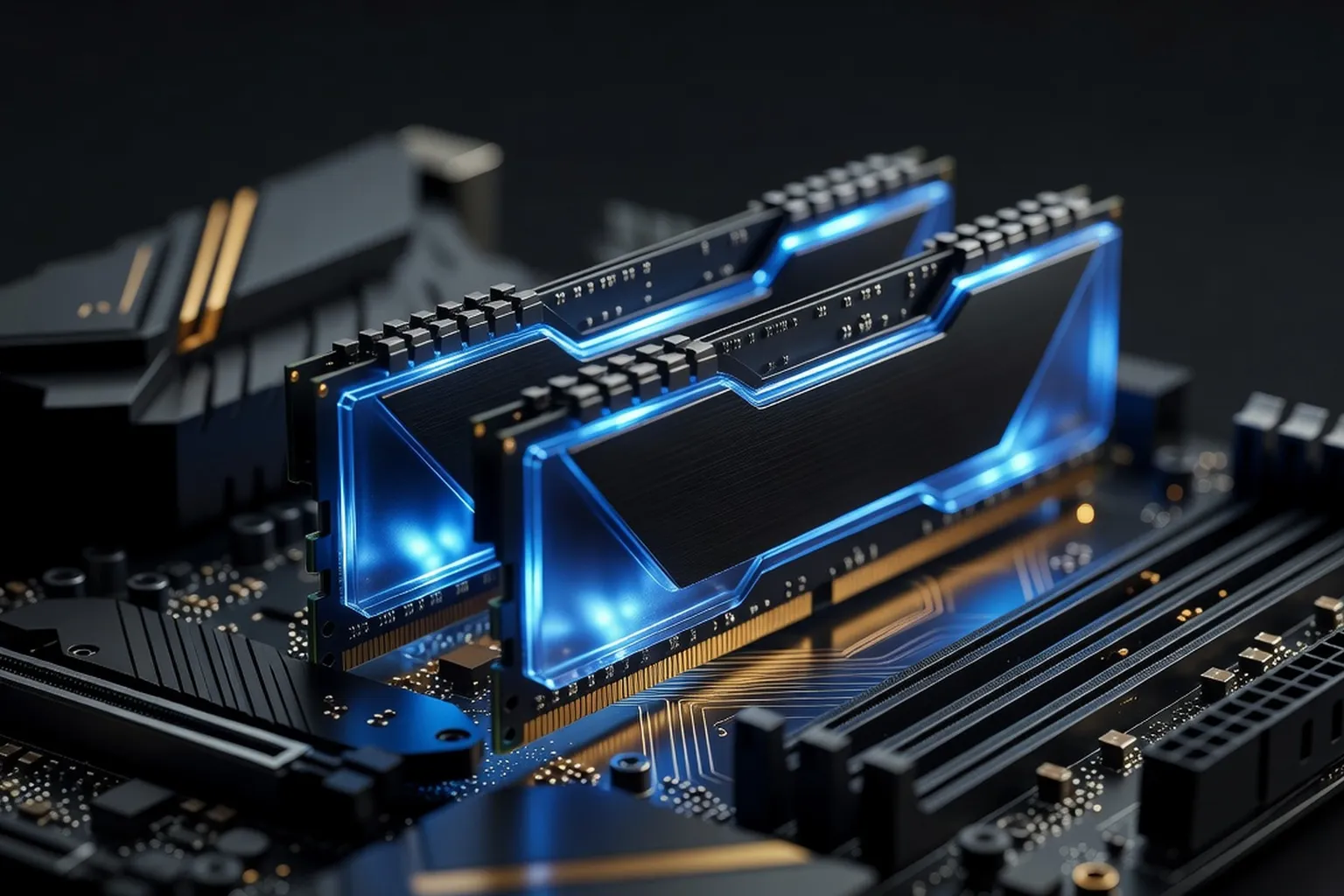
DDR5 is now standard for modern AM5 and LGA1851 builds. This guide breaks down what RAM speed and latency actually mean for performance, and recommends the best kits at 16GB, 32GB and 64GB capacities.
RAM is the component most builders underestimate and the one that quietly shapes how a system feels in daily use. In 2026, DDR5 has finally hit the price-performance sweet spot that DDR4 occupied for years: kits that cost $200 in 2023 now sell for under $90, and the 6000 MT/s speed grade that was once enthusiast territory has become the mainstream baseline. Whether you are assembling a budget gaming rig, a 32GB productivity workhorse or a 128GB AI workstation, picking the right memory kit means understanding three numbers — capacity, speed and latency — and how they interact with your CPU’s memory controller. This guide cuts through the marketing noise and gives you concrete picks for every tier, plus the technical context to know why those picks make sense.
DDR5 fundamentals in 2026: speed, latency and capacity
DDR5 memory is rated in mega-transfers per second (MT/s), commonly but inaccurately called “MHz”. A DDR5-6000 kit transfers data 6000 million times per second per pin, but the actual clock runs at 3000 MHz with double data rate. What matters for real performance is the combination of transfer rate and CAS latency (CL), which is the number of clock cycles the memory waits before delivering data. A DDR5-6000 CL30 kit has a true latency of (30 / 3000 MHz) x 2 = 10 nanoseconds — the same as a DDR5-7200 CL36 kit, which is why raw MT/s alone is a misleading metric.
Backup planning matters when you migrate to a new memory platform — our peers at jesauvegardemesdocuments.fr (PC backup and storage best practices) cover the migration step that most upgrade guides skip.
Capacity in 2026 is dominated by 16GB and 32GB modules. Single-rank 16GB sticks use eight 2GB chips on one side; dual-rank 32GB sticks use sixteen chips and behave differently in benchmarks — they are slightly slower at peak speeds but offer 5-8% better real-world throughput in productivity workloads because the memory controller can interleave commands across ranks. For the latest CPU platforms like AMD’s AM5 and Intel’s LGA1851, the memory controller is the bottleneck above 6400 MT/s, so chasing extreme frequencies often delivers less benefit than tightening sub-timings on a moderate kit.
The die quality also matters. SK Hynix A-die is the gold standard for DDR5 — it overclocks well, hits low latencies and is found in most kits rated 6400 MT/s or higher. M-die is newer and slightly cheaper, with similar performance up to 6000 MT/s but worse scaling beyond. Samsung B-die for DDR5 is rare; Micron’s revision E die is common in mid-range kits but does not overclock as aggressively. Most enthusiast kits in 2026 ship with Hynix A-die and an EXPO or XMP profile that runs the memory at its rated specification with one BIOS click.
Best 16GB RAM kit for budget builds
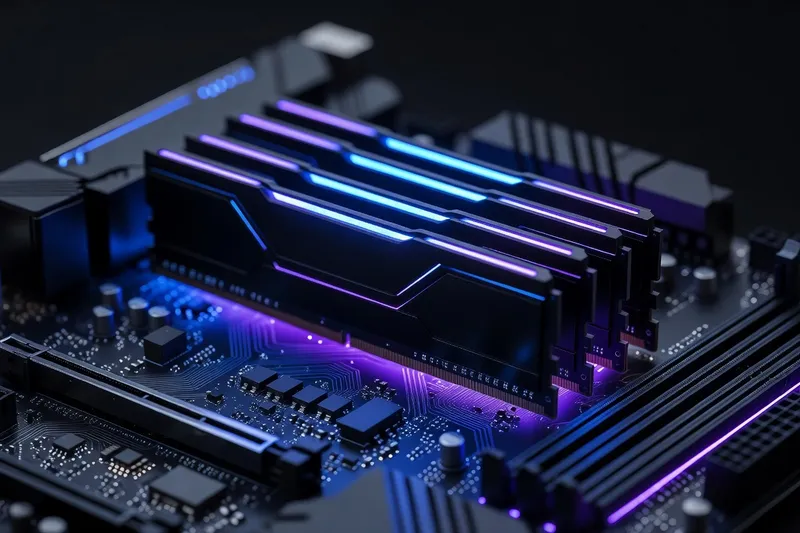
A 2x8GB DDR5-5600 CL36 kit from a reputable brand like Crucial, Kingston or TeamGroup costs around $42-$55 in 2026 and represents the absolute floor for a usable modern system. This tier is appropriate for an office PC, a media center or a light esports rig running titles like Valorant, CS2 or League of Legends at high refresh rates. For 1080p gaming with mainstream titles, 16GB still works, but you will notice stutters in newer releases that pre-load assets aggressively, and any background application — Discord, a browser with twenty tabs, OBS — pushes you into swap.
The Crucial Pro DDR5-5600 CL46 is the cheapest reliable option but its loose timings cost 5-7% performance compared to a CL36 kit. For an extra $10, the Kingston Fury Beast DDR5-6000 CL36 or the TeamGroup T-Force Vulcan DDR5-6000 CL30 both offer the same speed as far more expensive enthusiast kits, just without the RGB and aggressive heatspreaders. If your build targets a budget gaming build around the $700-$900 mark, the small premium for 6000 MT/s is worth paying because it unlocks the AM5 sweet spot if you later upgrade from 16GB to 32GB by adding a second matched kit.
Avoid no-name kits below $40 — they typically use bottom-bin chips, fail to hit their rated XMP profile on many motherboards, and have higher RMA rates. Avoid DDR4 entirely unless you are upgrading an existing AM4 or LGA1700 system; new DDR4 platforms make no sense in 2026 when DDR5 costs the same and motherboards have moved on.
Best 32GB RAM kit for gaming and productivity
The 2x16GB DDR5-6000 CL30 kit is the most important RAM recommendation of 2026. It hits the AM5 platform’s optimal FCLK 1:1 ratio, costs $85-$110 depending on brand and RGB, and matches or beats any kit on the market for gaming performance. The G.Skill Trident Z5 Neo Royal RGB and the Corsair Vengeance RGB DDR5-6000 CL30 are the top picks for builds with a tempered-glass window; for builders who do not care about lighting, the G.Skill Flare X5 and the Kingston Fury Beast in non-RGB trim deliver identical performance for $15-$25 less.
The 32GB tier is the new baseline for serious work. Modern game engines like Unreal Engine 5.4 and many AAA titles routinely allocate 14-18GB of RAM, leaving little headroom on a 16GB system. Productivity workloads — Lightroom catalogs, DaVinci Resolve timelines, Docker containers, virtual machines, Visual Studio with extensions — comfortably fit at 32GB and become painful below. Streaming while gaming also benefits significantly: OBS with browser sources, alerts and a chat overlay can consume 4-6GB on its own.
When buying a 32GB kit, always check the motherboard QVL. AM5 boards from ASUS, MSI, Gigabyte and ASRock publish lists of validated DDR5 kits at specific speeds. A 6000 CL30 kit that runs perfectly on a B650E Aorus Elite may need manual tuning on a cheaper B650M Pro. The QVL is not exhaustive — most well-known kits work on most boards — but it removes uncertainty. For the smoothest possible experience, pick a kit with Hynix A-die and a Ryzen-optimized EXPO profile. Look up the right motherboard QVL before purchase, especially if you are buying a non-flagship board where memory training is more sensitive.
Best 64GB+ RAM kit for creators and workstations
A 2x32GB DDR5-6000 CL30 kit is the right starting point for creators in 2026, costing $180-$240 from G.Skill, Corsair or Kingston. Two dual-rank modules in this configuration deliver excellent productivity throughput thanks to rank interleaving, while still respecting the motherboard’s two-DIMM-per-channel sweet spot. This is the kit to buy for 4K video editing in DaVinci Resolve, 100-megapixel raw photo workflows in Capture One, large Blender scenes with complex shaders, or running multiple Docker containers and VMs simultaneously.
The alternative — 4x16GB at the same total capacity — is almost always worse. Populating all four DIMM slots on AM5 forces the memory controller to drop to 5200-5600 MT/s on most boards, with manual tuning sometimes restoring 5600-6000 if you have an experienced hand. The performance loss outweighs any cost saving, and resale value of two large sticks is better than four small ones when you eventually upgrade.
For workstations that need 128GB, 2x48GB or 2x64GB kits are now widely available at DDR5-5600 CL40, and even 256GB (2x128GB) kits have appeared from Kingston and V-Color targeting AI inference workloads on consumer platforms. ECC DDR5 — every DDR5 module has on-die ECC, but true server-grade ECC requires platform support — is available for Threadripper Pro and Xeon W systems where data integrity matters more than peak speed. For typical creator builds, non-ECC is the correct choice because ECC reduces frequency ceilings and costs 30-50% more.
If you are pairing big memory with a serious workstation processor, a complete PC build guide helps you balance the platform: a 64GB kit on a board with weak VRMs or insufficient cooling will throttle the CPU before the RAM becomes a limit.
Best low-profile RAM for small form factor builds
In SFF cases like the NR200P, the Meshroom S, the FormD T1 or the Sliger Cerberus X, RAM heatsink height becomes a real constraint. Most tower air coolers — the Noctua NH-U12A, the Thermalright Phantom Spirit 120 SE, the be quiet! Dark Rock Pro 5 — overhang the DIMM slots by 5-15mm, and large RGB heatspreaders on G.Skill Trident Z5 or Corsair Dominator kits can prevent the cooler from seating flush.
The Crucial Pro DDR5-5600, Kingston Fury Beast in non-RGB trim, and Corsair Vengeance LPX DDR5 all have heatspreaders under 34mm tall and fit under virtually every air cooler. For builds with a 240mm or 280mm AIO mounted as the top exhaust, RAM height is rarely an issue, but front-mounted AIOs in narrow SFF cases sometimes clear the RAM by only a few millimeters.
Performance does not suffer at low profile. The same Hynix A-die chips and the same 6000 CL30 binning are available in low-profile form factors from multiple brands. The G.Skill Ripjaws S5 DDR5-6000 CL30 is a particularly clean choice: 33mm tall, no RGB, and the same speed and latency as the much taller Trident Z5 RGB.
In compact builds, every component choice cascades. RAM that fits without compromise lets you use the best CPU cooler your case allows, which lets you sustain higher all-core clocks. And a fast SSD matters even more in small builds where you may only have one or two M.2 slots — your RAM and storage become a tightly coupled system.
Tuning RAM: EXPO, XMP and manual overclocking
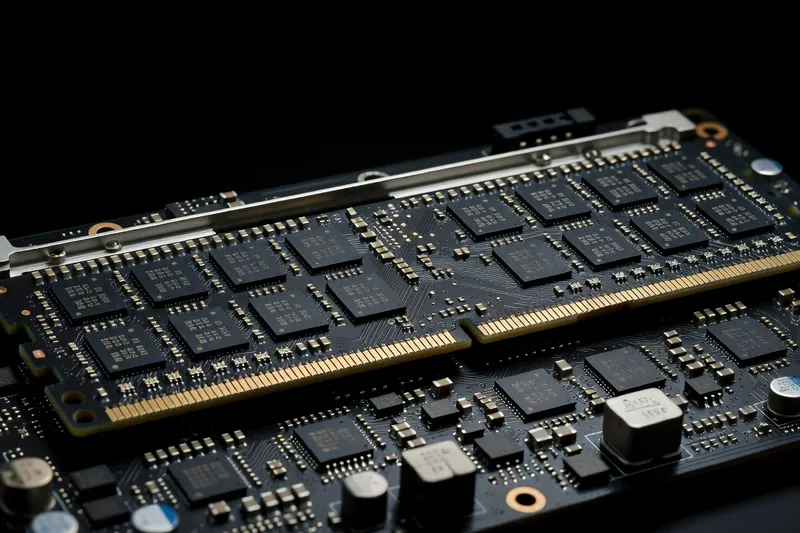
Every DDR5 kit ships with at least one factory-tested overclocking profile stored in the SPD chip. AMD calls its standard EXPO (Extended Profiles for Overclocking); Intel calls its standard XMP 3.0. Most enthusiast kits in 2026 ship with both profiles enabled, so they work identically on AM5 and LGA1851. Enabling EXPO or XMP in the BIOS is a single click — your kit rated DDR5-6000 CL30 1.35V will run at JEDEC 4800 CL40 1.1V out of the box, leaving 20-25% performance on the table.
Manual tuning starts with sub-timings. The advertised “CL30” is only the primary CAS latency; secondary and tertiary timings — tRCD, tRP, tRAS, tRC, tRFC, tRRD, tFAW — all affect performance and can be tightened beyond the EXPO profile. On Hynix A-die kits at 6000 MT/s, dropping tRFC from the EXPO-default 560-620 ns down to 480-500 ns delivers 2-4% memory bandwidth improvement with no voltage increase. Tightening tRRD_S and tRRD_L to 4-6 cycles gives another 1-2%.
For AMD Ryzen 9000 specifically, FCLK 1:1 is the critical setting. DDR5-6000 maps to FCLK 2000 MHz in 1:1 mode, which is the platform’s stability sweet spot. Pushing to DDR5-6400 forces FCLK to 2133 MHz, which works on most chips but is not guaranteed. Above 6400, the memory controller drops to 2:1 mode and latency penalties wipe out the bandwidth gain. Intel Core Ultra 200 has a more flexible memory controller and benefits from raw speed up to DDR5-7200 CL34, with manual tuning to CL30 sub-timings unlocking further gains.
Voltage on DDR5 is split between VDD (chip voltage, typically 1.35-1.45V for OC kits) and VDDQ (I/O voltage, usually matched to VDD). Most kits are stable up to 1.45V; pushing 1.50V+ provides diminishing returns and accelerates degradation. Always run an overnight Karhu or TestMem5 stability test after tuning — and consult our overclocking guide for the full process before pushing past stock profiles.
How to choose: a decision framework
Start with capacity. 16GB is the floor and only acceptable for office and esports builds. 32GB is the right answer for 90% of 2026 builds — gaming, productivity, streaming, light content creation. 64GB is for serious creators, multi-VM workflows and anyone running 4K video editing or large 3D scenes. 128GB and above is workstation and AI territory.
Then pick speed. DDR5-6000 CL30 is the universal sweet spot for AM5. For Intel Core Ultra 200, DDR5-6400 CL32 or 7200 CL34 will extract slightly more performance if your board is high-end. For budget builds, DDR5-5600 CL36 is acceptable and saves $15-$20 per kit.
Then verify the QVL. Match the kit’s exact model number against your motherboard’s qualified vendor list. If the kit is not listed, look for the same speed, capacity and die type from a major brand — Hynix A-die at 6000 CL30 is Hynix A-die at 6000 CL30 regardless of who put the heatspreader on it.
Finally, prefer 2-DIMM configurations over 4-DIMM. If you need 64GB, buy 2x32GB. If you need 32GB, buy 2x16GB. Adding two more sticks later is technically possible but rarely runs at the rated EXPO profile and almost always requires manual tuning to reach stable operation. Buy the capacity you need on day one with two matched modules, enable EXPO or XMP, and you will have a system that simply works.