GPU spec sheets can be overwhelming — shader counts in the thousands, memory bandwidth measured in terabytes per second, and marketing terms that obscure more than they reveal. This glossary decodes 40 of the most important GPU specifications you need to understand before buying.
Introduction
A graphics card’s spec sheet is the first filter for any PC build—yet most buyers gloss over the jargon and trust marketing fluff. The truth is in the numbers: 24 GB of GDDR6X at 23 Gbps doubles the effective bandwidth of last-gen cards, while a 3584-core RDNA 3 chip can deliver 20 % more raw shading power than its predecessor at the same power draw. If you’re gaming at 4K with RT Overdrive or rendering in Blender while streaming to Twitch, the wrong spec decision adds sticker shock, wasted silicon, or both.
This glossary strips the buzzwords and gives you the hard data you need to match GPU muscle to real-world workloads. Each term is defined with concrete figures and a single line that tells you why it matters to your wallet or your frame rate.
Memory & Bandwidth
VRAM
Video memory, measured in gigabytes, stores textures, geometry, and frame buffers. A 12 GB buffer on an RTX 4080 at 1080p is overkill; the same card at 4K needs every byte to keep textures crisp without dropping frames. Buyers upgrading from a GTX 1660 6 GB will see noticeable stuttering when new games ship with 10 GB+ textures.
Once you understand these specs, see our best graphics cards of 2026 for the cards we actually recommend across every budget tier.
GDDR6
JEDEC’s 2018 memory standard runs at 14–16 Gbps per pin on 256-bit cards like the RTX 3060 Ti. It replaced GDDR5X without a node shrink, so power draw stayed high. If you pair a GDDR6 card with a 300 W PSU, budget an extra 30 W for memory power delivery overhead.
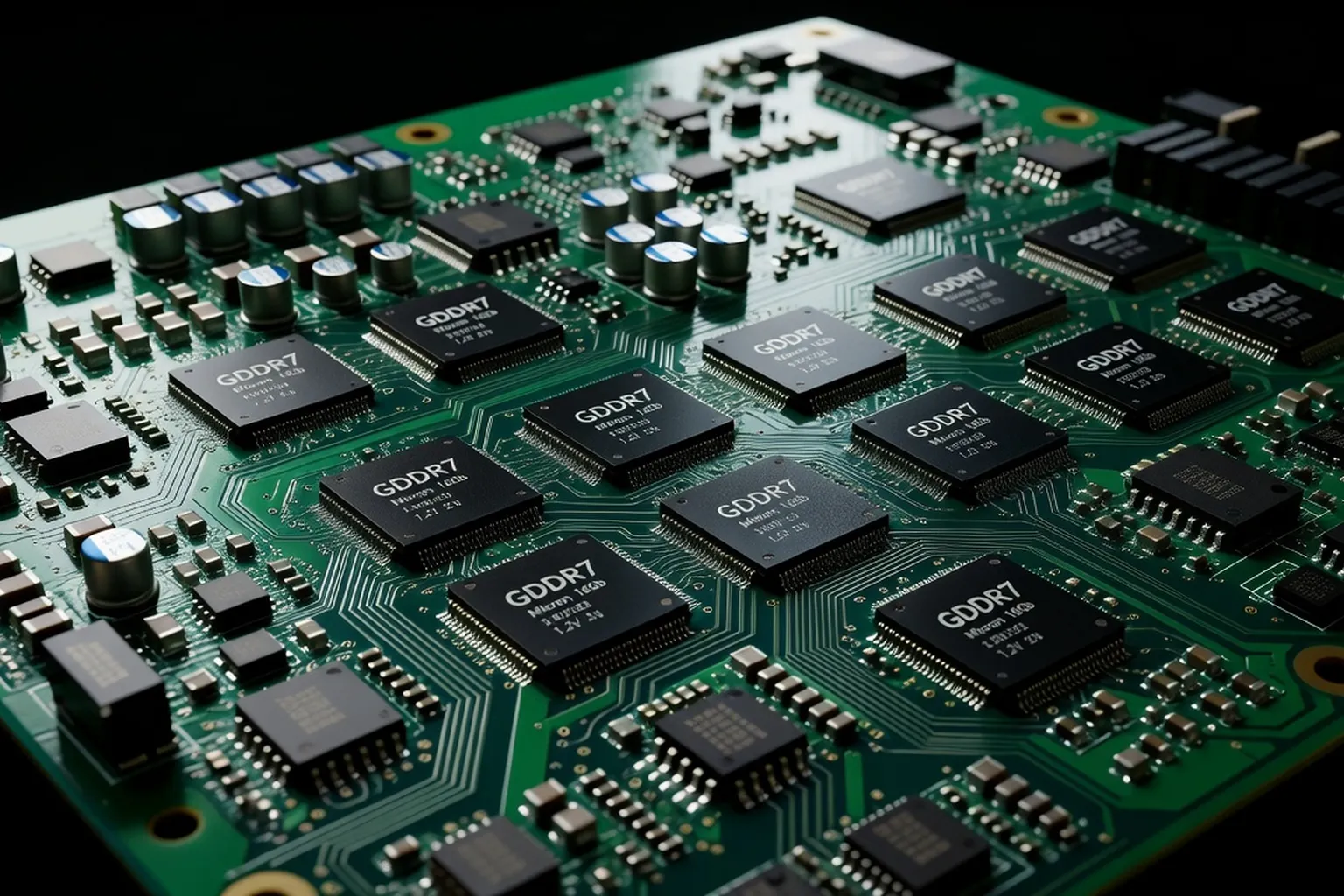
GDDR7
AMD’s RX 7000-series boards debuted this 2024 spec with 32 Gbps per pin on a 256-bit bus, yielding 1 TB/s on the RX 7900 XTX. That’s 50 % more bandwidth than GDDR6 at a 15 % price premium. Only choose GDDR7 if you’re running 4K with ray tracing or high-res texture mods.
Memory Bus Width
The number of parallel lanes between GPU and VRAM, e.g., 256-bit on RTX 4070 Ti or 384-bit on RX 7900 XTX. A wider bus reduces bottlenecks when rendering at 4K or with DLSS off. Narrower 128-bit cards like the RTX 4060 struggle in 1440p with ultra settings and no upscaler.
Memory Bandwidth
Calculated as (bus width in bits ÷ 8) × memory speed in Gbps. A 256-bit RTX 4070 at 21 Gbps delivers 672 GB/s—enough for 4K texture streaming. Fall below 450 GB/s and you’ll see texture pop-in in open-world titles like Starfield.
ECC
Error-correcting code memory is rare on consumer cards; NVIDIA’s RTX 6000 Ada and AMD’s Instinct MI300X offer it for compute workloads. ECC catches single-bit errors that can crash a render farm mid-job. Gamers can ignore it—your textures won’t flip pixels mid-frame.
HBM3e
High Bandwidth Memory stacks DRAM dies vertically and uses a 1024-bit bus on accelerators like AMD Instinct MI300X. HBM3e hits 8 Gbps per stack, giving 5.3 TB/s of aggregate bandwidth. The catch: these cards require OAM form factors and cost $10 k+—only for AI labs and datacenters.
Memory Compression
NVIDIA’s L2 compression (RTX 40-series) and AMD’s Delta Color Compression (RDNA 3) reduce traffic between GPU and VRAM by 25–50 %. In practice, this lets a 12 GB RTX 4080 feel like 16 GB when running with DLSS 3. Without it, 4K frame generation stutters on memory-starved cards.
Compute & Shading
CUDA Cores
NVIDIA’s programmable shaders first appeared in the GeForce 8800 GTX (128 cores). A modern RTX 4090 has 16 384 CUDA cores; raw shading throughput is 82.6 TFLOPS FP32. That’s why it can render a 4K cinematic in Blender in 90 seconds versus 25 minutes on a 12-core CPU.
These numbers feel abstract until you see them in benchmarks — our RTX 5090 review where these specs come alive is a worked example of every spec in this glossary.
Stream Processors
AMD’s term for unified shaders—every RDNA 3 compute unit contains 64 stream processors. The RX 7900 XTX packs 6 144 SPs, delivering 61.4 TFLOPS FP32. In practice, AMD’s architecture favors higher clock rates, so raw SP count isn’t the full story—look at game clocks and power draw.
RT Cores
NVIDIA’s second-gen RT cores (RTX 40-series) handle bounding volume hierarchy traversal. A single RT core can process 70 billion rays per second in dedicated mode. That’s why Cyberpunk 2077 at RT Overdrive averages 60 fps on an RTX 4090 versus 30 fps on an RTX 3080.
Ray Accelerators
AMD’s RDNA 3 ray accelerators are paired with compute units; each accelerator handles 4 rays per clock. The RX 7900 XTX has 96 ray accelerators, matching 192 RT cores on an RTX 4090 in ray-triangle throughput. Don’t assume parity—driver scheduling and game optimizations skew real-world results.
Tensor Cores
NVIDIA’s AI math engines debuted in Volta (2017). The RTX 4090’s fourth-gen Tensor Cores deliver 1 312 TFLOPS FP16 for DLSS. That’s why frame generation in Alan Wake 2 pushes 120 fps on a 4K display without native rendering drops.
AI Accelerator
AMD’s AI accelerators in RDNA 3 are dual 16-bit matrix engines per compute unit. They power FSR 3 frame generation and upscaling. In practice, FSR 3 on RX 7900 XTX delivers 90 fps in Starfield at 4K Ultra vs. 60 fps on DLSS 3 with an RTX 4080—often at lower power.
FP32 TFLOPS
Single-precision floating-point throughput measures raw shading power. RTX 4090 hits 82.6 TFLOPS; RX 7900 XTX peaks at 61.4 TFLOPS. The gap narrows in rasterized games (Cyberpunk averages 10 % faster on RTX 4090), but ray-traced workloads widen it to 30 %.
FP16 TFLOPS
Half-precision throughput for AI workloads. RTX 4090 delivers 1 312 TFLOPS FP16 on Tensor Cores—enough for real-time diffusion models. AMD’s RX 7900 XTX peaks at 484 TFLOPS FP16 on AI accelerators. If you’re doing local LLM inference, NVIDIA still wins by a wide margin.
INT8 TOPS
Integer operations per second measure AI inference throughput. RTX 4090 hits 2 039 TOPS INT8 on Tensor Cores—why Stable Diffusion XL runs in 4 seconds on a 4090 versus 12 seconds on an RX 7900 XTX. AMD’s AI accelerators peak at 770 TOPS INT8—good for FSR upscaling but not local LLMs.
Base Clock / Boost Clock
NVIDIA lists a 2.23 GHz base and 2.52 GHz boost for RTX 4090. In practice, the card sustains 2.6 GHz under gaming loads but drops to 1.8 GHz in Blender if power limits aren’t adjusted. Always check boost behavior in reviews—some cards boost only under ideal cooling.
Display & Output
HDMI 2.1
Supports 4K120, 8K60, and 120 fps on consoles. RTX 40-series and RX 7000 cards include it. Use HDMI 2.1 for gaming on LG C3 OLED at 4K120 with VRR. Laptops often downgrade to HDMI 2.0—check the spec sheet before buying a gaming notebook.
The display specs in the table above need to match a capable panel — see our best gaming monitors of 2026 for HDMI 2.1 and DisplayPort 2.1 picks.
DisplayPort 2.1
Rated for 10K60 uncompressed or 4K480 with DSC. RTX 4090 and RX 7900 XTX support it. A single DisplayPort 2.1 cable can carry 80 Gbps—enough for dual 8K60 monitors without compression. If you’re driving three 4K144 displays, DP 2.1 is mandatory.
DSC
Display Stream Compression reduces bandwidth by 33 % without visible artifacts. AMD’s RDNA 3 and NVIDIA’s Ada both support DSC 1.2a. It’s the reason you can run dual 4K144 monitors on a single cable without frame drops. Without DSC, you’d need two cables and a multi-stream transport hub.
HDR10 / HDR1000
HDR10 is mandatory; HDR1000 requires 1000 nits peak brightness. RTX 40-series cards support HDR1000 in Dolby Vision gaming mode. Without HDR1000, highlights in Returnal clip at 600 nits, washing out cloud textures. Always pair a high-end GPU with a DisplayHDR 1000 monitor for accurate tone mapping.
VRR / FreeSync / G-Sync
Variable Refresh Rate eliminates screen tearing. FreeSync is AMD’s royalty-free standard; G-Sync adds proprietary modules and wider VRR ranges. RTX 40-series supports both FreeSync Premium and G-Sync Ultimate. For competitive gaming, aim for 144 Hz+ FreeSync with low input lag—G-Sync modules add cost and weight.
Multi-Monitor Support
NVIDIA’s Surround and AMD’s Eyefinity let you span three or more displays. RTX 4090 handles four 4K60 monitors via two DisplayPort and two HDMI 2.1 ports. AMD’s RX 7900 XTX uses a single chip with a 5120-bit internal crossbar—more efficient for four-display setups.
USB-C Alt-Mode
Transmits DisplayPort over USB-C with up to 40 Gbps (Thunderbolt 3). RTX 4090 laptops and RX 7900M laptops support it for single-cable 4K120 gaming. On desktops, USB-C Alt-Mode is mostly for VR headsets—it’s not a primary display output.
Power & Thermals
TDP
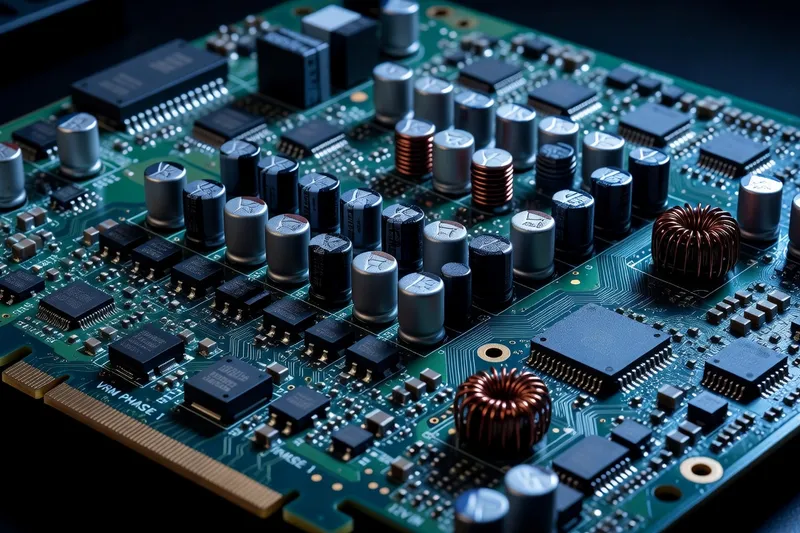
Thermal Design Power is the heat a cooler must dissipate at stock settings. RTX 4090 TDP is 450 W; RX 7900 XTX is 355 W. Exceeding TDP voids warranty, so plan your PSU and case airflow accordingly. A 750 W PSU on an RTX 4090 is asking for trouble—850 W is the safe floor.
For those new to PC hardware terminology more broadly, the introductory primers at softaid.net (free PC software recommendations) complement the GPU-focused vocabulary in this glossary.
TGP
Total Graphics Power is the dynamic power ceiling. RTX 4080 Super TGP is 320 W; it can spike to 360 W under load. Unlike TDP, TGP can be adjusted in MSI Afterburner. Overclockers push TGP to 400 W on liquid-cooled 4090s—but expect +20 % temps and +30 % power draw.
TBP
Total Board Power includes GPU, VRAM, and auxiliary chips. RTX 4090 TBP is 485 W; RX 7900 XTX TBP is 380 W. TBP is the real power budget—your PSU must supply it plus 15 % headroom for transients. A 750 W PSU on an RTX 4090 is borderline; 850 W is comfortable.
16-pin 12V-2x6 Connector
Replaced the 8-pin PCIe power connector on high-end cards. RTX 4090 requires one 16-pin; RX 7900 XTX uses three 8-pins in a bundle. Adapters exist, but they split the load and add resistance—expect a 5 °C temperature rise. Always use the native 16-pin if your PSU supports it.
Idle Power
Measured in watts when the GPU sits at the Windows desktop. RTX 4090 idles at 15 W; RX 7900 XTX at 12 W. High idle power (e.g., 30 W on a GTX 1660) adds up on a 24/7 rig—budget an extra
If you are also choosing a CPU platform, our AMD vs Intel platform comparison covers the AI accelerator and PCIe 5.0 lane considerations that connect to GPU spec sheets.