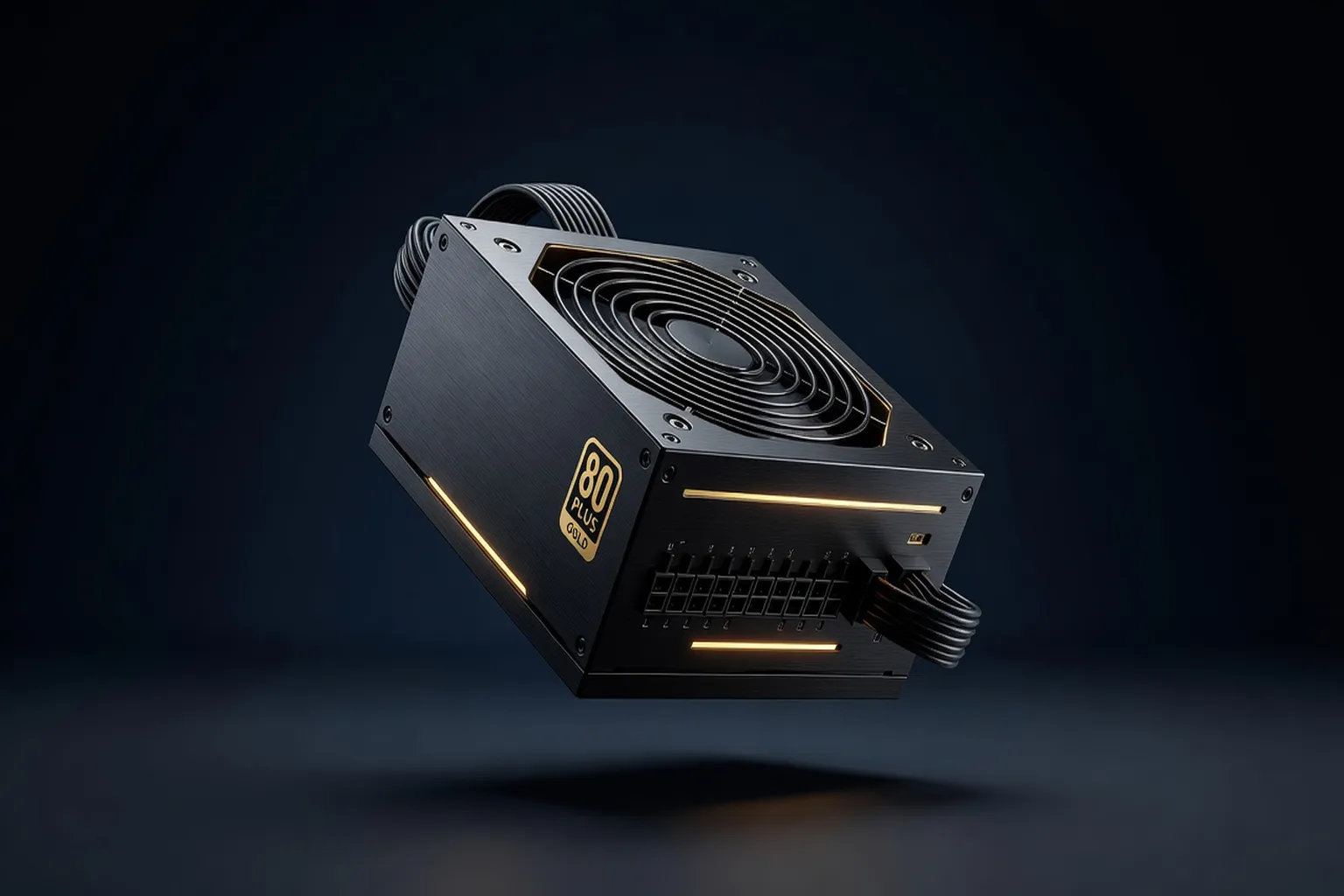
The power supply is the most overlooked component in most builds, yet it's the one most likely to cause instability or damage if chosen wrong. This guide covers exactly how to size, rate, and select a PSU for any build in 2026.
Why the PSU is the most underrated component in your build
Nobody brags about their power supply. It doesn’t run benchmarks, it doesn’t show up in FPS counters, and it’s usually the last thing on the parts list. That’s exactly why it’s the component most likely to get shortchanged — and the one where shortchanging actually breaks the build.
A weak GPU gives you lower frame rates. A weak CPU gives you a bottleneck. A weak PSU gives you random shutdowns, instability under load, or in the worst cases, a fried component. There’s no gradual degradation warning here — a PSU either handles your system’s power demands or it doesn’t, and the failure mode is rarely subtle.
This guide covers the four decisions that actually matter when buying a PSU in 2026: wattage, 80 Plus efficiency tier, modularity, and whether you need ATX 3.0. Skip the marketing copy on the box — here’s what the numbers actually mean.
How to calculate the wattage you actually need
Wattage sizing isn’t complicated, but it’s routinely done wrong in both directions — either wildly overspeccing (wasting money) or underspeccing (risking instability).
The formula that works:
- Start with your GPU’s rated TDP. An RTX 4070 Super is 220W; an RTX 4090 is 450W. Use the manufacturer’s spec, not marketing “recommended PSU” numbers, which are already padded.
- Add your CPU’s TDP. A Ryzen 7 7700 is roughly 65-88W depending on the motherboard’s power limit settings; a Core i9-15900K can hit 250W under sustained all-core load.
- Add 150-200W for everything else — motherboard, RAM, fans, drives, AIO pump. This is a flat estimate that covers the rest of a typical build without needing to itemize every component.
- Multiply the total by 1.2-1.3 for headroom against transient power spikes, which can briefly exceed a GPU’s rated TDP by 30-40% for a few milliseconds during load transitions.
| Build type | GPU + CPU draw | Recommended PSU |
|---|---|---|
| Budget (RX 6600, Ryzen 5 5500) | ~215W | 550-600W |
| Mid-range (RTX 4070 Super, Ryzen 7 7700) | ~310W | 750W |
| High-end (RTX 4090, Core i9-15900K) | ~700W | 1000-1200W |
Common mistake: buying a PSU sized exactly to your current build’s minimum, with zero headroom for a future GPU upgrade. A 650W unit powering a current mid-range build has no room left for a GPU upgrade two years down the line — buy one tier above your current needs if you plan to upgrade the GPU before replacing the whole system.
80 Plus efficiency tiers explained: Bronze to Titanium
The 80 Plus certification measures how efficiently a PSU converts wall power (AC) into the DC power your components actually use. Higher tiers waste less power as heat, which means lower electricity costs, less heat inside the case, and often quieter fan curves since the PSU runs cooler.
| Tier | Efficiency at 50% load | Typical price premium over Bronze |
|---|---|---|
| 80+ White | 80% | -$10 to -$15 (avoid) |
| 80+ Bronze | 85% | Baseline |
| 80+ Silver | 87% | +$5-$10 |
| 80+ Gold | 90% | +$15-$25 |
| 80+ Platinum | 92% | +$40-$60 |
| 80+ Titanium | 94% | +$70-$100+ |
For nearly every build, Gold is the sweet spot. The jump from Bronze to Gold is meaningful and affordable; the jump from Gold to Platinum or Titanium is real but delivers diminishing returns relative to cost unless you’re running the system 24/7 at high load (a home server or a workstation, for example) where the accumulated electricity savings actually add up over years.
Skip 80+ White entirely — it’s rarely worth even the discount, since the efficiency loss shows up as extra heat and noise that offsets whatever you saved.
Modular vs semi-modular vs non-modular
- Non-modular: all cables permanently attached to the PSU. Cheapest option, but you’re stuck routing cables you don’t need, which clutters the case and can restrict airflow.
- Semi-modular: core cables (24-pin motherboard, CPU power) are fixed; peripheral cables (SATA, PCIe) are detachable. A reasonable middle ground for budget builds.
- Fully modular: every cable detaches. You install exactly what the build needs and nothing else. This is the right default choice for anyone who isn’t on an extremely tight budget.
The price difference between semi-modular and fully modular is typically $10-$20 at a given wattage and efficiency tier — small enough that fully modular is worth it for the cable management and airflow benefit alone, especially in smaller cases where every unused cable actively competes for space with airflow paths.
ATX 3.0 and 12VHPWR: what changed and why it matters
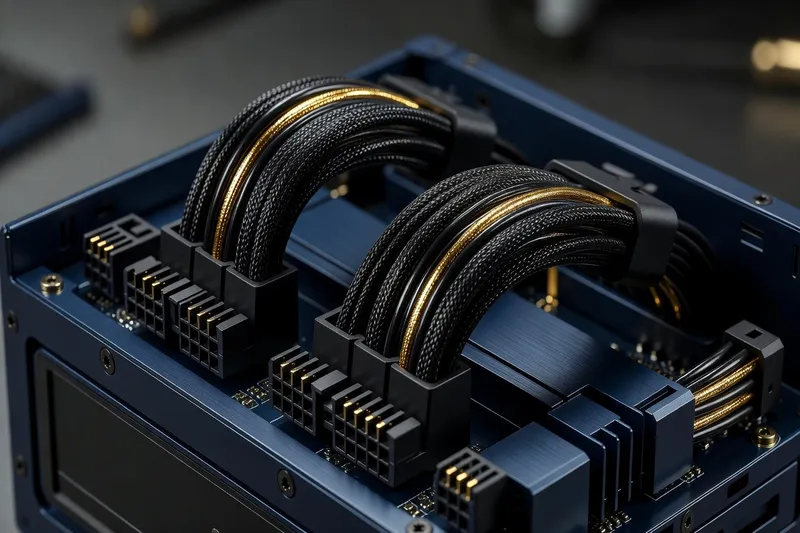
ATX 3.0 (and the refined ATX 3.1) is the current PSU specification built specifically around the power demands of modern high-end GPUs. Two changes matter most:
- Native 12VHPWR/12V-2x6 connector support. High-end GPUs from the RTX 40/50-series onward use this single 16-pin connector instead of multiple separate PCIe 8-pin cables. ATX 3.0 PSUs include this connector natively, rather than requiring a third-party adapter that converts old 8-pin connectors — removing a common failure point (bent or partially-seated pins) reported in earlier 12VHPWR adoption.
- Better transient power spike handling. ATX 3.0 PSUs are spec’d to handle brief power spikes up to 200% of rated load for microsecond durations without tripping over-current protection — exactly the kind of spike modern GPUs produce during rapid load changes, which older PSUs weren’t designed to absorb gracefully.
Do you need it? If you’re buying or already own a GPU that natively uses the 12VHPWR/12V-2x6 connector (most RTX 40/50-series cards above the midrange), an ATX 3.0/3.1 PSU is the better, safer choice. If you’re running an older GPU with standard 8-pin PCIe connectors, ATX 3.0 offers little practical benefit today — but it’s a reasonable future-proofing purchase if you’re planning a GPU upgrade within the PSU’s expected lifespan.
For a deeper look at exactly which GPUs use this connector and how they perform, see our best GPU buyer’s guide for 2026.
Adapter cables: when they’re fine and when they’re a risk
Plenty of stable systems run a 12VHPWR GPU off an older ATX 2.x PSU using the bundled adapter cable that converts standard 8-pin PCIe connectors into the 16-pin connector. This is not inherently dangerous — the reported failures in early 12VHPWR adoption were overwhelmingly linked to connectors not being fully seated, not to the adapter cable concept itself. That said, three practical precautions matter if you’re using an adapter rather than a native ATX 3.0 cable:
- Push the connector in until you feel and hear a distinct click, then visually check it’s flush, not at an angle.
- Avoid tight bend radii right at the connector — give the cable a few centimeters of straight run before any bend.
- Periodically check the connector isn’t warm to the touch after extended gaming sessions; a properly seated connection stays cool.
Signs of a failing or undersized power supply
Recognizing PSU problems early can save you from a much more expensive repair bill down the line. Watch for:
- Random shutdowns or reboots under load, especially during GPU-intensive moments like loading a new game area or running a benchmark — a classic sign of an undersized or failing unit hitting its limit.
- Coil whine that gets noticeably louder over time, rather than staying constant — constant mild coil whine is often just how a PSU sounds, but a change over time can indicate degrading components.
- Burning smell or visible discoloration near the PSU or its cables — stop using the unit immediately if you notice either.
- Failure to power on at all, sometimes intermittently before a complete failure — this is often a capacitor reaching end of life.
Pro tip: if your system has been stable for years and suddenly starts randomly rebooting under GPU load with no other changes made, test the PSU first before assuming it’s a GPU or driver problem. PSU-related instability is frequently misdiagnosed as a software or GPU issue, wasting hours of troubleshooting on the wrong component.
It’s also worth checking your motherboard’s power delivery isn’t the actual culprit before blaming the PSU entirely — a motherboard with a weak VRM can produce similar symptoms under sustained CPU load. Our best motherboard guide for 2026 covers which boards have VRM headroom to spare for overclocking and sustained loads.
PSU recommendations by build tier
- Budget builds (RX 6600/RTX 4060-class GPU): 550-650W, 80+ Bronze is genuinely sufficient. Don’t overspend here — a $50-$60 Bronze unit from a reputable brand (EVGA BR, Corsair CV series) does the job.
- Mid-range builds (RTX 4070 Super/RX 7800 XT-class GPU): 750W, 80+ Gold. This is where the Gold efficiency tier and full modularity both start paying for themselves in daily use.
- High-end builds (RTX 4090/RTX 5090-class GPU): 1000-1200W, 80+ Gold or Platinum, ATX 3.0/3.1 mandatory. At this tier, skimping on the PSU risks the most expensive component in the build.
Whichever tier you’re building at, our complete PC build guide walks through how the PSU choice interacts with every other component decision, and our gaming PC builds guide shows full parts lists at each tier if you want the PSU recommendation in context.
Common PSU buying mistakes to avoid
- Buying based on wattage alone, ignoring the brand and 80 Plus tier. A generic 750W unit and a Corsair RM750e are not interchangeable, even at the same wattage — the internal component quality and protection circuitry differ enormously.
- Underspeccing to save $20-$30, then experiencing instability that costs far more in wasted troubleshooting time and, in some cases, damaged components.
- Reusing an old PSU in a new high-end build without checking whether it has the connectors and headroom the new GPU needs — a five-year-old 650W unit powering a new RTX 4090 build is a real risk, not a theoretical one.
- Ignoring the warranty length. PSU warranties are a genuine signal of manufacturer confidence — a 10-year warranty (Corsair RM/HX series, Seasonic Prime/Focus) indicates a build quality bar that a 3-year warranty generic unit simply doesn’t meet.
If your build also matters for data integrity — a home server or NAS holding backups, for instance — a stable, quality PSU is even more critical, since the last thing you want is a power event corrupting an array. The team at jesauvegardemesdocuments.fr covers protecting stored data from power failures in more depth if that’s part of your setup, and if a PSU problem does strike, ultrasyd-informatique-pornic.fr documents real-world diagnosing PC power supply failures from an actual repair shop’s perspective.
How long a quality PSU should last
A quality 80+ Gold or better PSU from a reputable brand should reliably last 7-10 years under normal desktop use, which is why the warranty length matters as much as the spec sheet — a 10-year warranty is effectively the manufacturer telling you how long they expect the unit to perform reliably.
A few factors that shorten realistic PSU lifespan:
- Running consistently near maximum rated load (a PSU sized too close to the system’s actual draw, with no headroom) accelerates component wear versus one running comfortably under 50-60% load most of the time.
- Poor case airflow that keeps the PSU running hotter than necessary, since heat is the primary driver of capacitor degradation over years of use.
- Cheap internal components in budget or off-brand units, which is exactly why the 80 Plus tier and brand reputation matter more than the wattage number alone.
PSU placement and airflow inside the case
Even a well-specced PSU can underperform its rated efficiency and lifespan if it’s starved for airflow inside the case. A few practical points worth checking during a build:
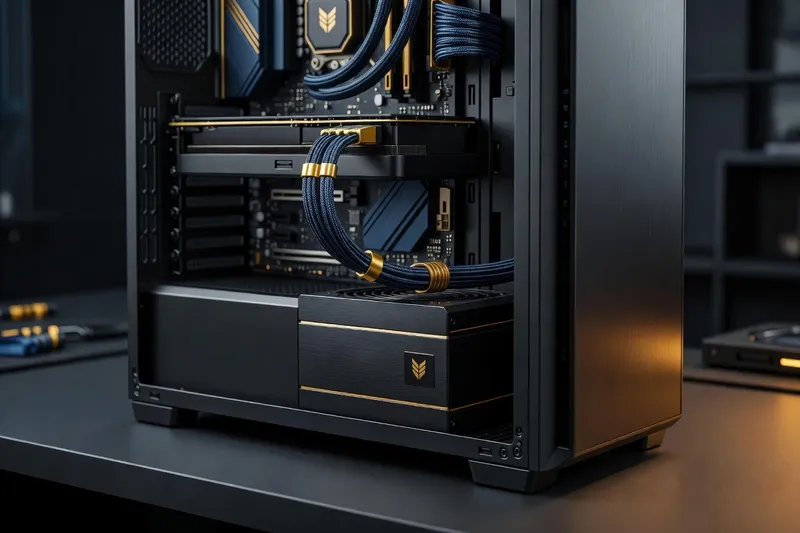
- Bottom-mounted PSUs (the standard layout in most modern ATX/mid-tower cases) should have a dedicated intake vent and filter directly beneath the unit — check that the case orientation you’re using doesn’t block this vent against a solid surface like carpet or a desk.
- Fan orientation matters: most PSUs draw air in from the bottom vent and exhaust out the rear, meaning the PSU’s own fan curve is somewhat independent of the case’s front-to-back airflow — but a case with genuinely poor overall airflow still raises the ambient temperature the PSU has to work against.
- Semi-passive/hybrid fan modes, common on Gold-tier and above units, keep the PSU fan off entirely under light load, which is a nice quality-of-life feature for a quiet system, but confirm the case has enough passive airflow to keep the PSU cool during this fanless window.
None of this requires an exotic case — it’s simply worth a 30-second check before finalizing a build, since a PSU running consistently warmer than it should will show reduced component lifespan over years of use, even if it never fails outright in the short term.
Final take: don’t cheap out on the one component that protects everything else
Every other component in a build can fail on its own without taking anything else down with it. The PSU is different — it’s the one component failure that can cascade into damaging or destabilizing the rest of the system. That asymmetry is exactly why it deserves a bigger slice of the budget than most builders give it.
Size it with real headroom, buy at least 80+ Gold if the budget allows, go fully modular if you can, and treat ATX 3.0 as mandatory rather than optional if you’re running a high-end GPU with a native 12VHPWR connector. None of this requires spending significantly more than a mediocre unit costs — it requires spending the same money more deliberately.
Frequently asked questions
How do I calculate the right PSU wattage for my build?
Add up your GPU’s rated TDP and CPU’s TDP, add 150-200W for the rest of the system (motherboard, RAM, drives, fans), then add a 20-30% headroom buffer for transient power spikes. A build with a 300W GPU and a 125W CPU lands around 575-655W of actual draw, which means a 750W PSU is the right call, not the bare minimum 650W.
Is 80 Plus Gold worth the extra cost over Bronze?
For most builds, yes — Gold typically costs $15-$25 more than an equivalent Bronze unit and delivers 3-5% better efficiency at typical load, which translates to lower heat, quieter fan curves, and a few dollars a year in electricity savings. It’s a small premium for a PSU you’ll likely keep for two GPU generations.
Do I need an ATX 3.0 PSU for a new-generation GPU?
If your GPU uses a 12VHPWR or 12V-2x6 connector natively (most RTX 40/50-series cards above the midrange), yes — an ATX 3.0/3.1 PSU handles transient power spikes far more gracefully than an older unit with a third-party adapter cable, and eliminates the adapter as a failure point entirely.
What happens if my PSU is underpowered for my GPU?
Best case, you get random shutdowns or reboots under load as the PSU hits its limit during a power spike. Worst case, sustained overload stresses the PSU’s components and shortens its lifespan, or in rare cases damages connected components. Neither outcome is worth the $30-$50 saved by underspeccing.
Is modular or non-modular better for airflow and cable management?
Fully modular is better for both in nearly every case — you only install the cables you actually need, which means less clutter blocking airflow and a much easier cable management job. Non-modular only makes sense if you’re on an extremely tight budget, since the fixed cables add $15-$25 in cost savings at best.